Learning to use a keyboard and mouse
- The pieces of the computer, which are significant, include a keyboard and a mouse.
- They assist us in directing the computer.
- We can type, draw, play, and learn easily with their assistance.
What is a mouse?
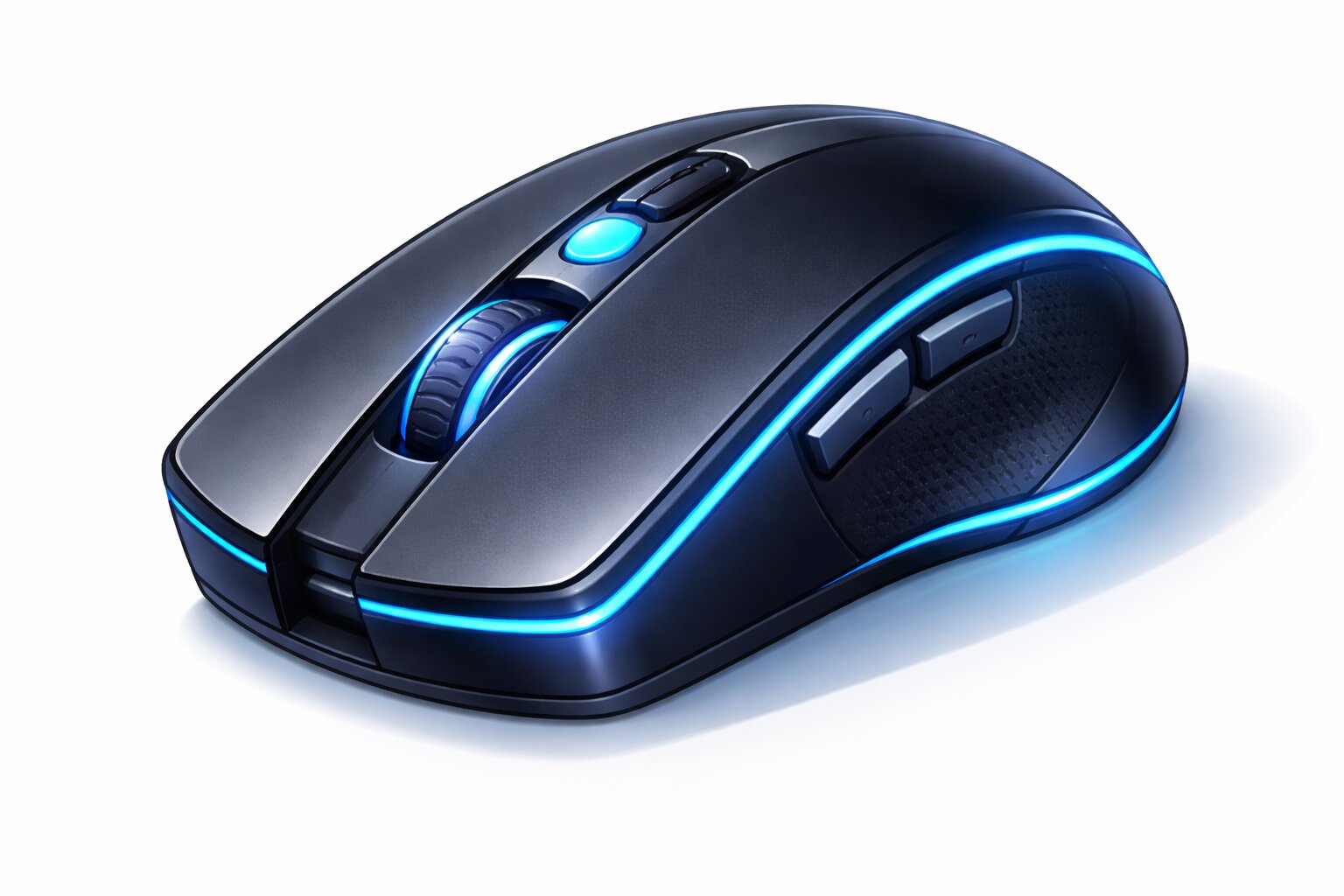
'Mouse' refers to a small hand tool which is used to move the arrow on the screen.
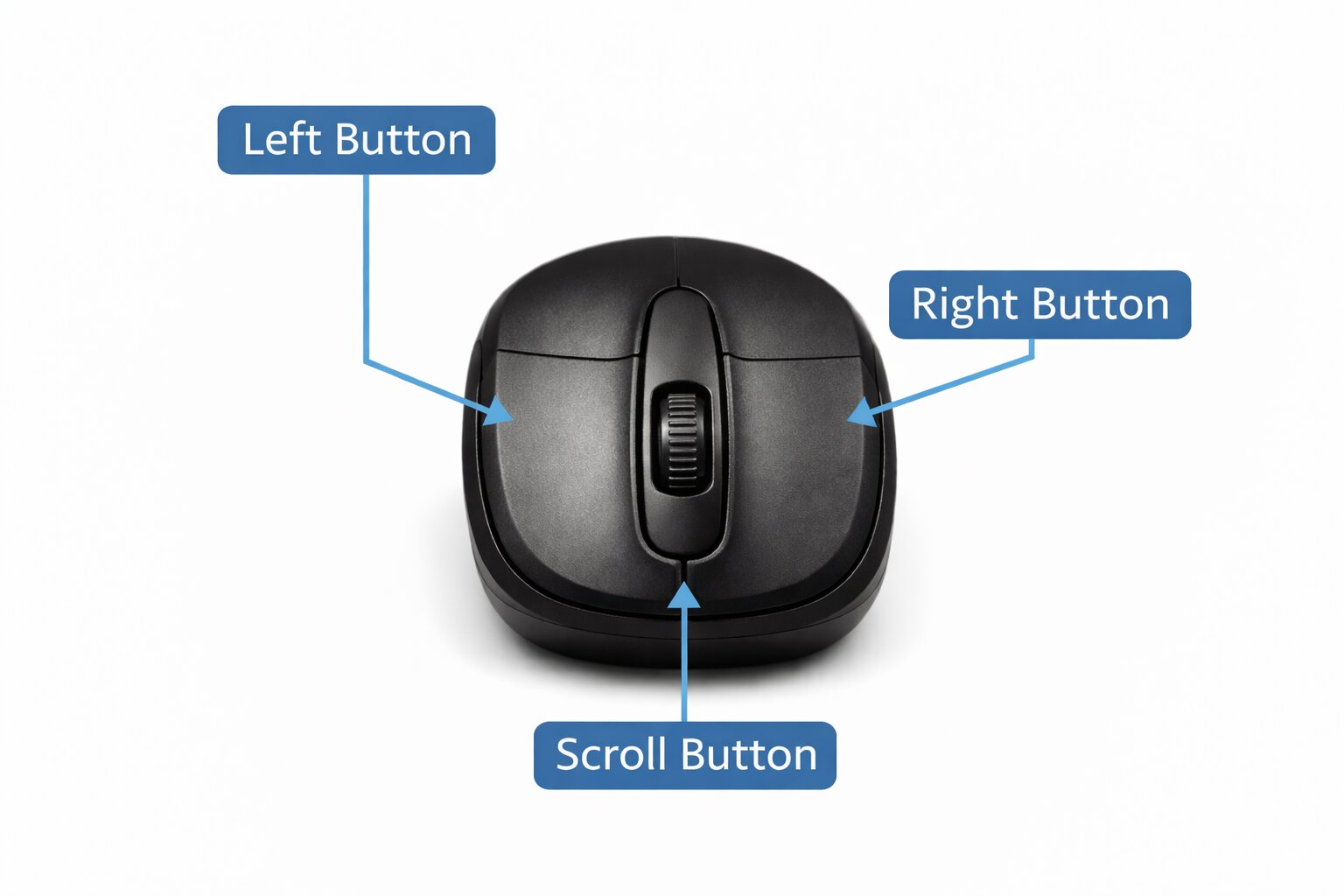
Parts of a Mouse
- Left Button - it is used to select and open
- Right Button - show more options
- Scroll Wheel - up-and-down page movement
How to Use a Mouse
Click
Press and release the left button once.
Double Click
Press the left twice.
Drag-and-Drop
Hold and move an item
Scroll
Move pages using the wheel
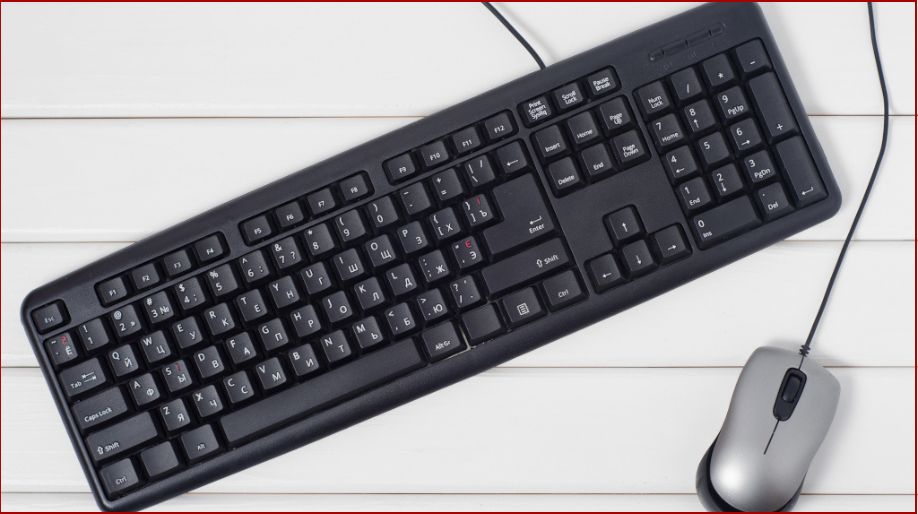
What is a keyboard?
A keyboard is an input device of the computer used for typing letters, figures, and words.
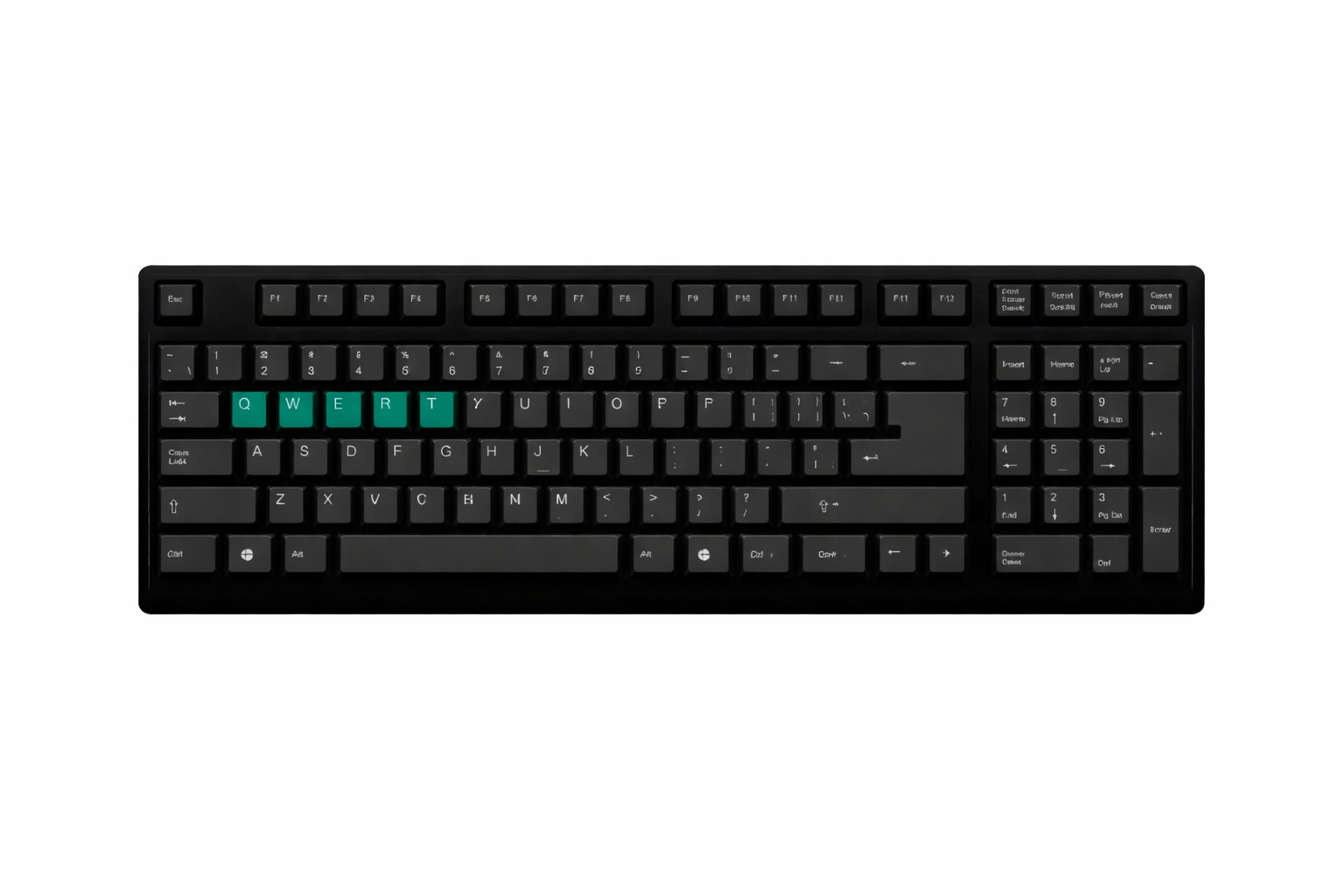
Important Keys on a Keyboard:
Alphabet Keys (A to Z)
- Used for writing letters
- Assist in forming words
- Used for writing names
- Stories and homework are written with its help.
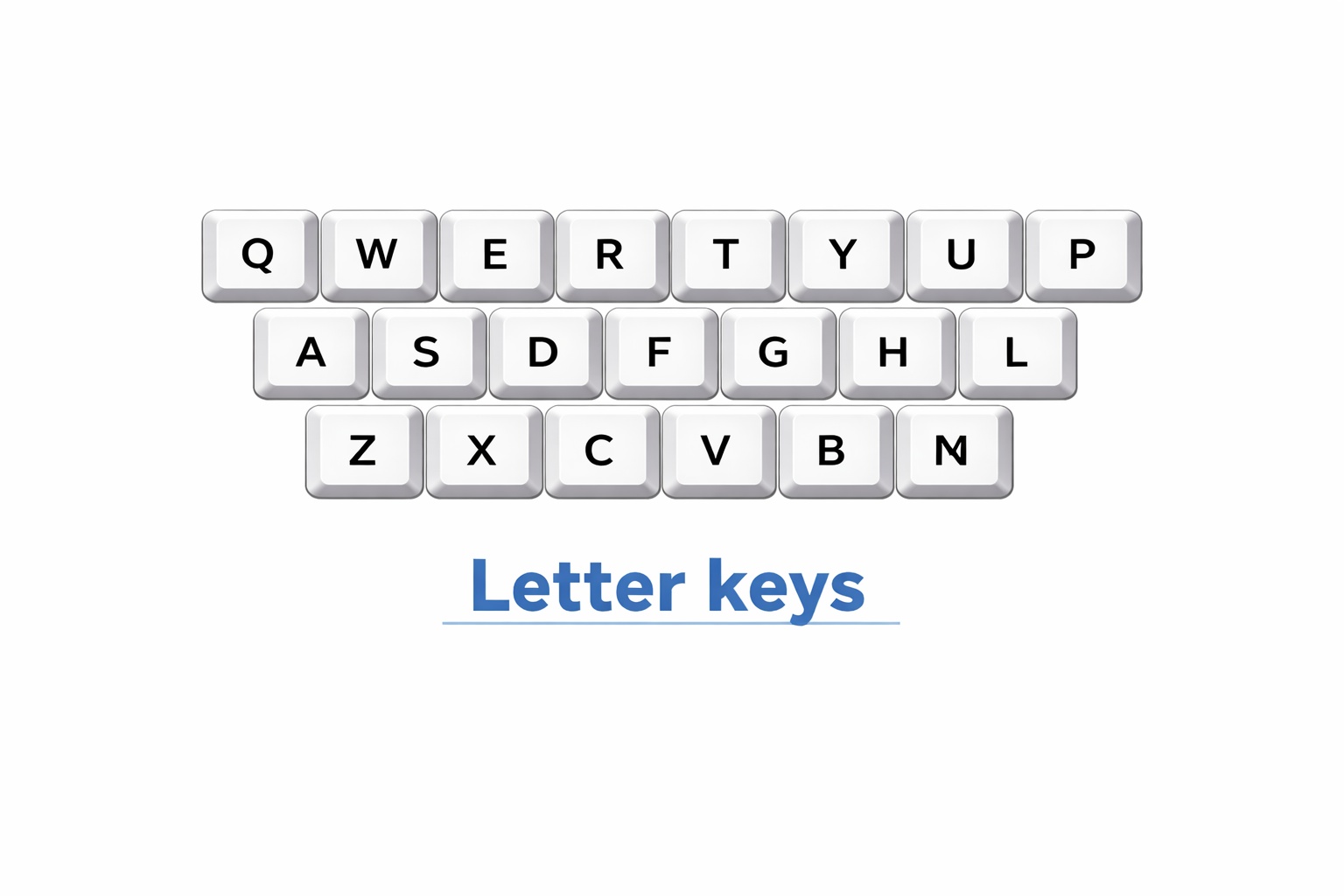
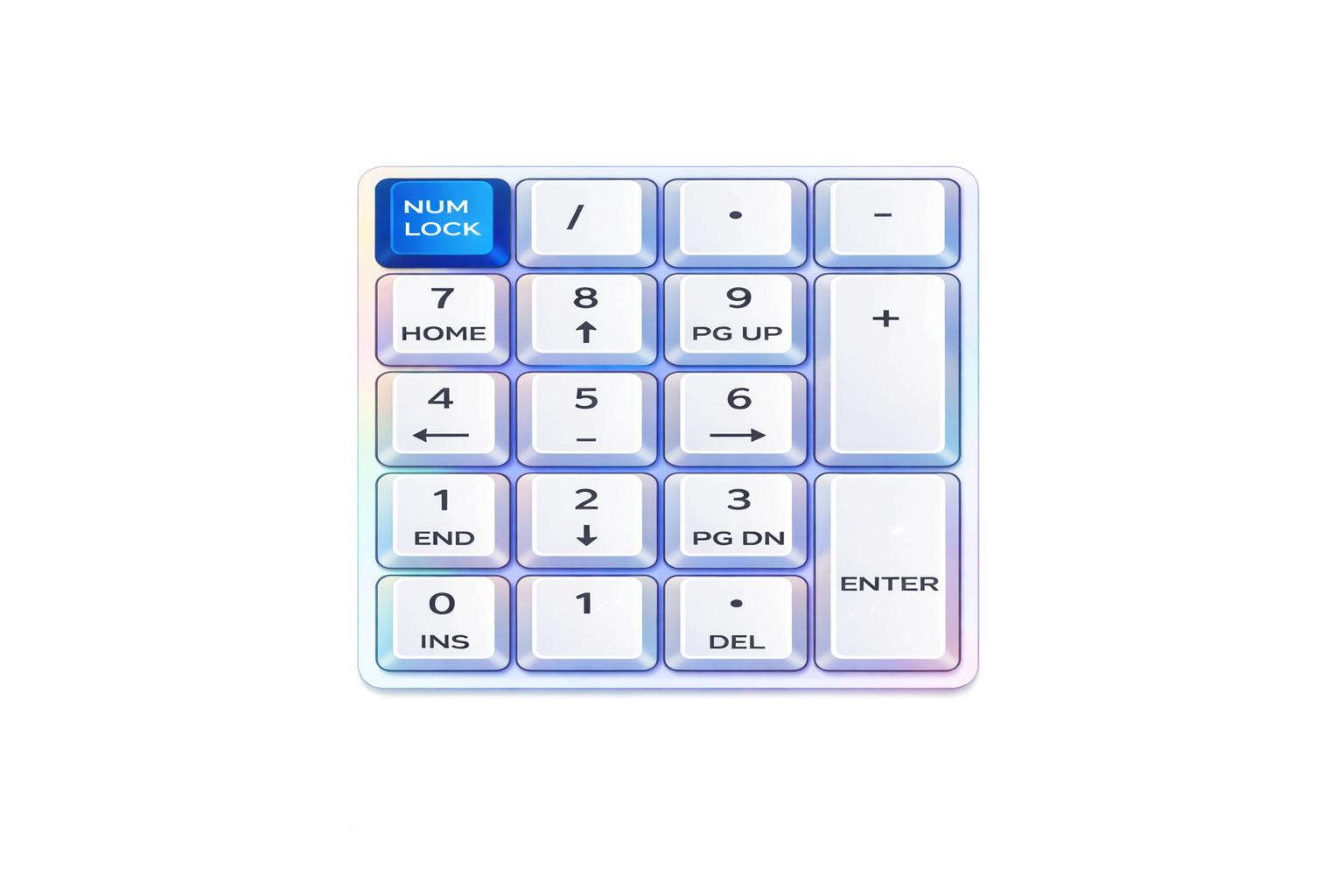
Number Keys (0 to 9)
- Used for writing numbers
- Helps in computations in mathematics.
- Written to indicate dates and times.
- Assists in counting
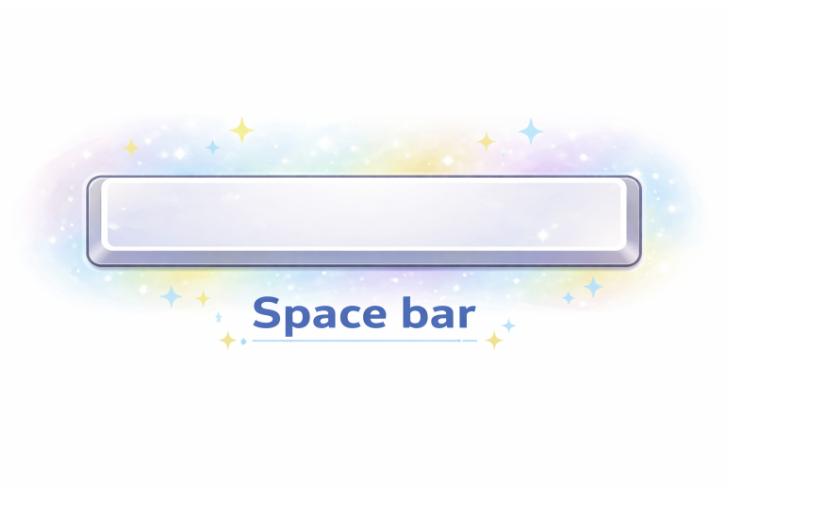
Spacebar
- Creates space between words
- Makes sentences clear
- Assists in neat typing
- Used while typing lines
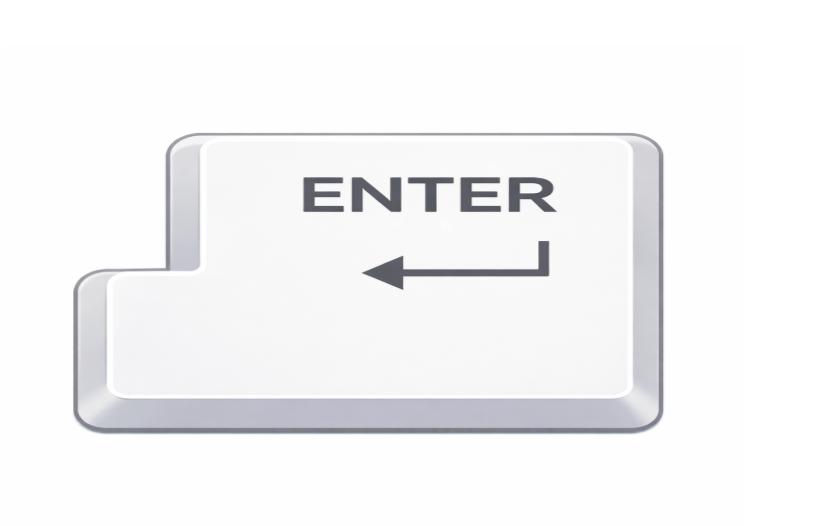
Enter Key
- Takes us to the next line
- Starts a new sentence
- Helps in the completion of a line.
- Used after typing
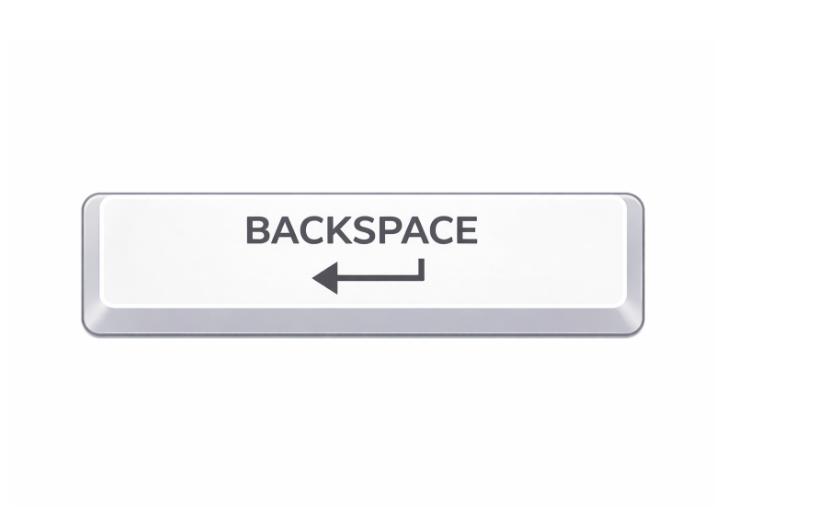
Backspace Key
- Erases incorrect letters
- Helps in the elimination of mistakes.
- Deletes unnecessary words
- Makes typing clean
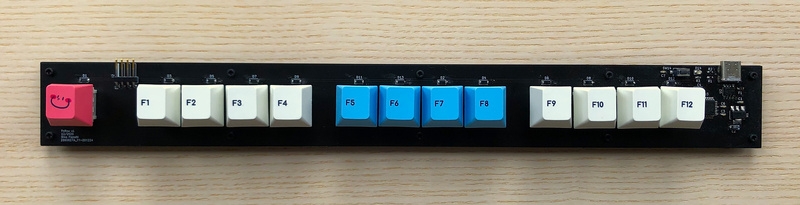
Function Keys (F1 to F12)
- Installed at the upper end of the keyboard.
- Used for special tasks
- Helps in opening aids and devices.
- Used in games and programs
Quiz For Learning Keyboard And Mouse
1. What is the use of a mouse on the computer?
A) Watch videos
B) Move the arrow on the screen.
C) Type letters
D) Eat snacks
Answer: B) Move the arrow on the screen.
2. Suppose you are required to select an image on the computer. Which button of the mouse do you click?
A) Right button
B) Left button
C) Scroll wheel
D) Back button
Answer: B) Left button
3. When you wish to open something on the computer, what do you do with the mouse?
A) Hold the left button once.
B) Tap twice on the right button.
C) Click twice on the left button.
D) Roll the scroll wheel
Answer: C) Click twice on the left button.
4. What is the scroll wheel on the mouse useful for to you?
A) Scroll pages up and down.
B) Open programs
C) Type letters
D) Move the mouse around
Answer: A) Scroll pages up and down.
5. What keyboard button do you use to insert a space between words?
A) Enter key
B) Spacebar
C) Backspace
D) Function Keys
Answer: B) Spacebar
6. What is the key you press to either begin another sentence or change to the next line?
A) Backspace
B) Enter Key
C) Spacebar
D) Number Keys
Answer: B) Enter Key
7. What is the key that you use to correct typing mistakes?
A) backspace
B) enter key
C) spacebar
D) function keys
Answer: A) backspace
8. Why are number keys used?
A) For writing letters
B) For writing numbers
C) Erase mistakes
D) Play games
Answer: B) For writing numbers
9. What happens when you press the right button of your mouse?
A) It selects and opens things
B) It shows more options.
C) It moves the mouse around.
D) It makes the screen bigger
Answer: B) It shows more options.
10. What is the most important key on the keyboard that you use to type letters (A-Z)?
A) number keys
B) spacebar
C) alphabet keys
D) function keys
Answer: C) alphabet keys