Networking
Computers and smart devices nowadays are connected to form networks in the world. Networking enables us to interact, exchange files and use the internet. This paper describes fundamental understanding in networking, and you have an idea of how information flows and how the gadgets interact in the digital world.
How Data Travels in a Network
- When you post a message, open up a webpage or download a file, the data does not go as a single huge chunk. It is broken down into small parts known as data packets.
- These packets are in the form of cables or wireless signals.
- They contact the appropriate computer and are attached once more.
- Router: A router is a gadget that forwards the data packet to its appropriate destination by selecting an optimal route.
- Latency: Latency can be defined as the duration of time that data requires to move between two points. Reduced latency implies maximum speed in the transfer of data.
The process occurs within a span of seconds.
What is an IP Address?
Each of the devices in a network is identified by a special number known as an IP address.
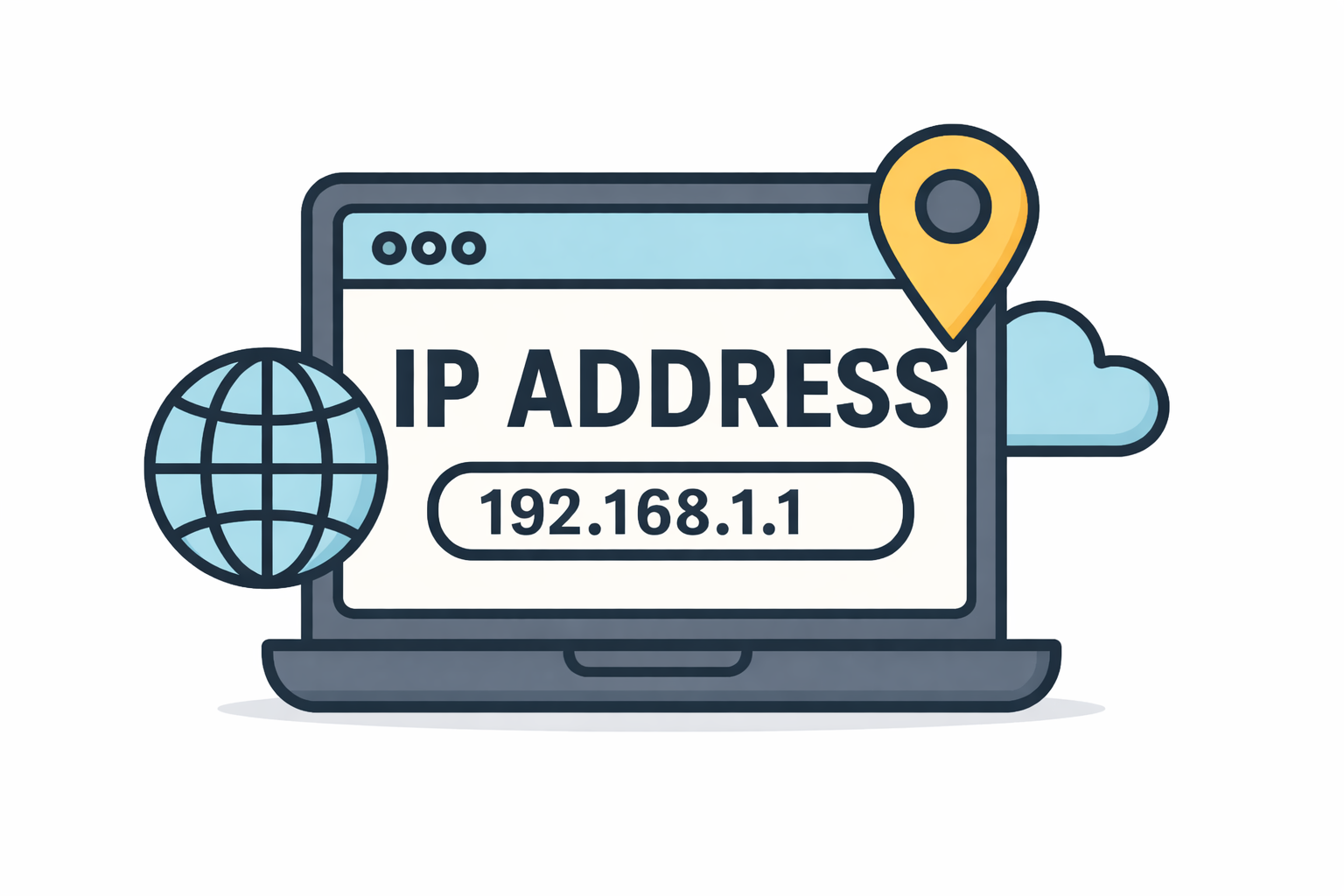
An IP address:
- Determines a device in a network
- Helpful information is directed to the appropriate computer
- It is unique for each device
- The data cannot be provided without an IP address
Additional Points:
- IPv4 or IPv6: IPv4 is the most widespread format of IP address, whereas IPv6 is being gradually introduced to enable more devices to be connected to the internet.
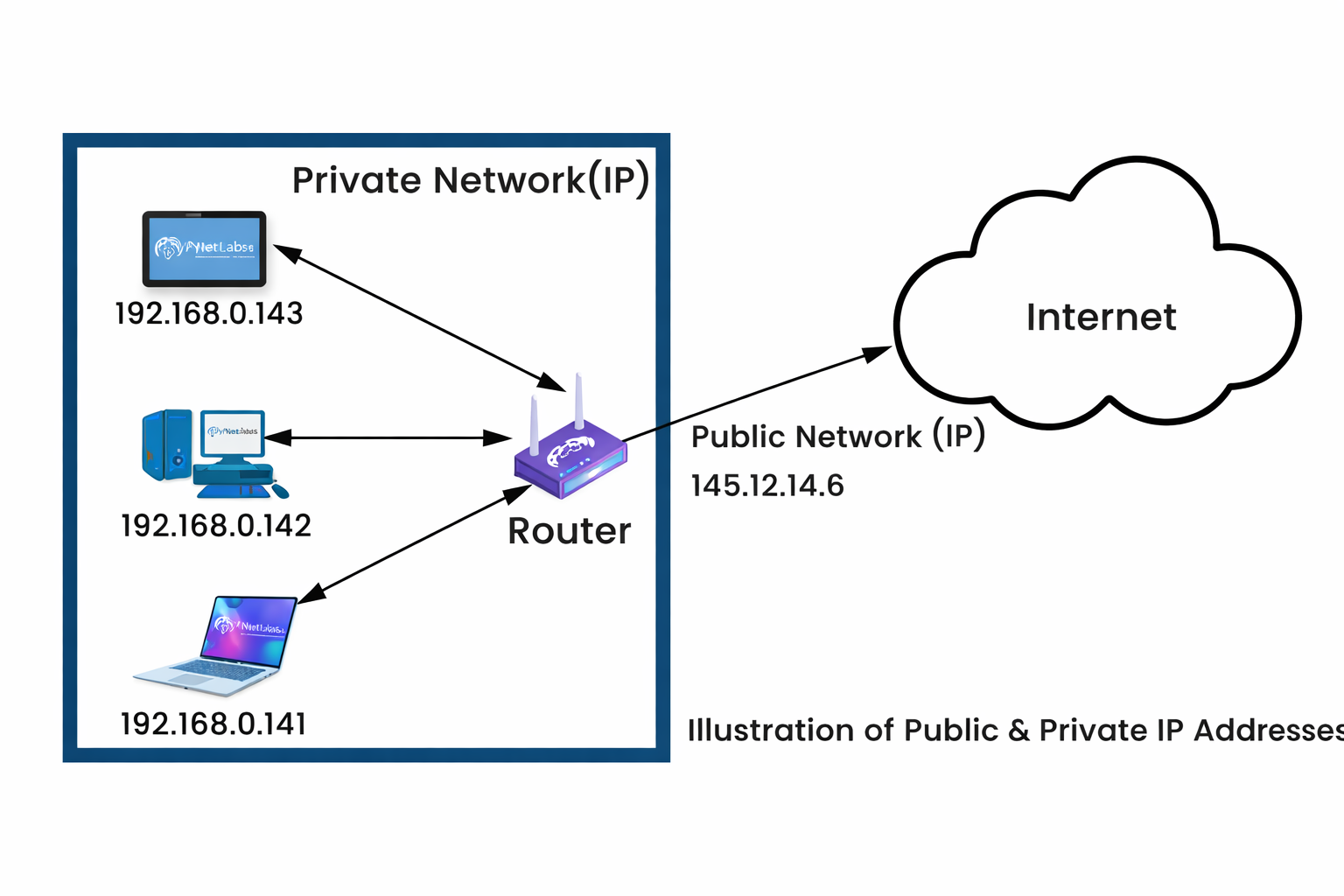
- Public vs. Private IP: A public IP is used on a connection to the internet by your device, whereas, in your home or office network, a private IP is employed.
Internet Bandwidth and Internet Speed.
Bandwidth refers to the quantity of information that can be transferred within a specific period of time.
- Increased bandwidth = rapid internet.
- Low internet bandwidth = slower internet.
The speed of the internet is determined by the bandwidth and the quality of the network.
Additional Points:
- Upload vs. Download Speed: Download speed is the speed at which information is received by your computer (e.g., watching videos over the internet), and upload speed is the speed at which your computer sends information to others (e.g., emailing).
- Speed-Influencing Factors: The distance between the router and the number of devices connected to it can influence the speed of the internet, as well as the type of network (Wi-Fi or wired).
Client and Server
There are various roles of devices in a network.
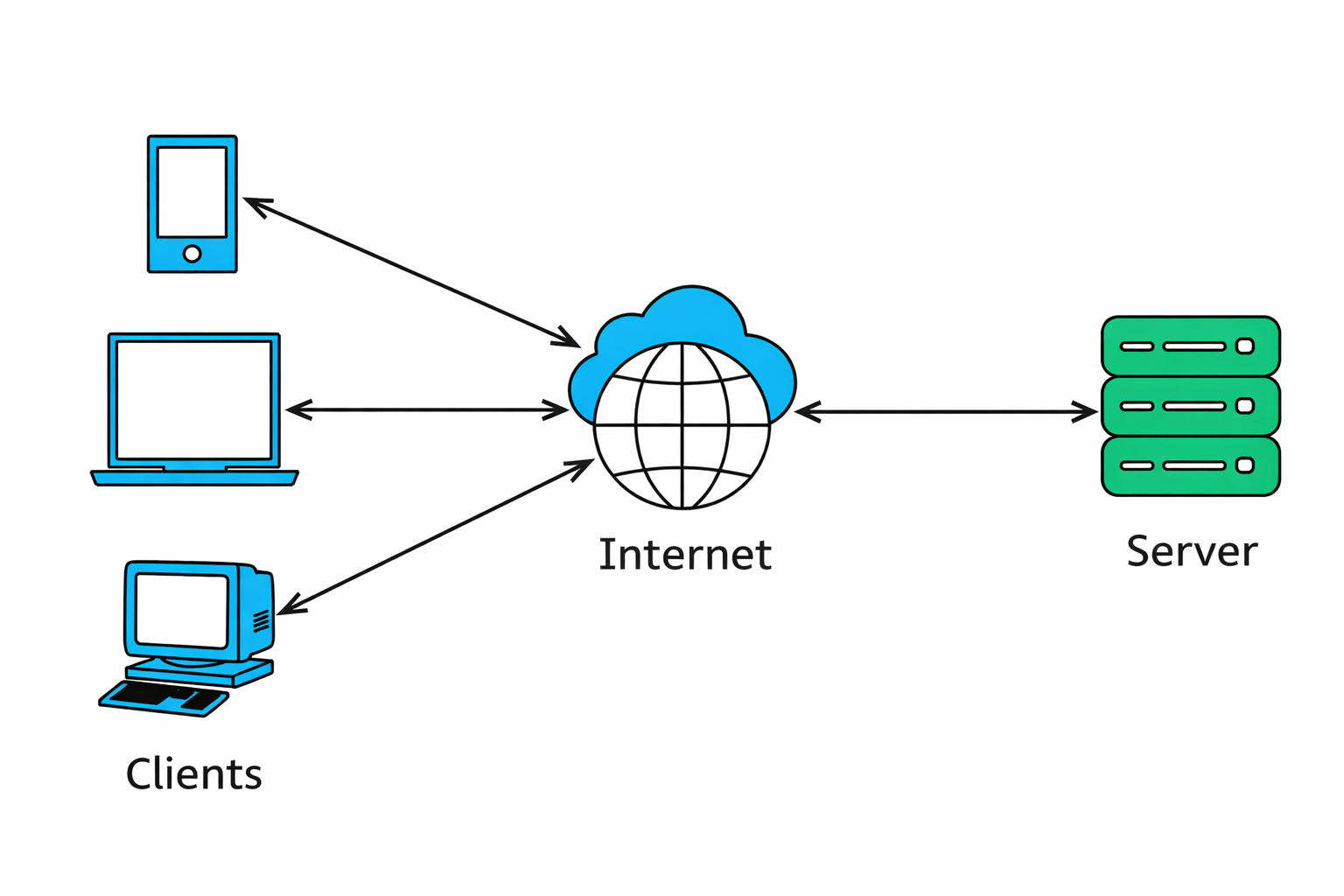
Client
- A client is a computer or device which demands information.
- For example, when your computer opens a web page.
Server
- A server is a powerful computer which gives information.
- An example is a web page server which delivers web pages to users.
Additional Points:
- Web Servers: The web servers store websites and make them available to users on demand. The server in each site is different.
- Cloud Servers: Cloud servers are remote and are accessed via the internet, which can provide such services as file storage and online applications.
Common Network Problems
Networks are sometimes known to encounter problems of the following:
- Slow internet
- Weak Wi-Fi signal
- Connection errors
Basic solutions include:
- Restarting the router
- Checking cables
- Reconnecting to Wi-Fi
Network Security Basics
To keep a network safe:
- Install antivirus software
- Keep the system updated
- Do not download files that you do not know about.
- Use secure passwords
QUIZ FOR NETWORKING
1. A big file is dispatched via the internet, not as one big file but in smaller pieces. It is rather divided into smaller components and then transmitted. What do we call these smaller parts?
A) Signals
B) Data packets
C) Network nodes
D) Frames
Answer: B) Data packets
2. In a home network, a device transmits data via a variety of potential routes, and it picks the smallest route to a destination computer. What is the networking device that is used to carry out this?
A) Switch
B) Router
C) Modem
D) Repeater
Answer: B) Router
3. When a student is playing an online game, he or she notices a lag between the action of pressing a key and seeing the action on the screen. What is the best networking term to define this delay?
A) Bandwidth
B) Latency
C) Packet loss
D) Throughput
Answer: B) Latency
4. The network cannot identify the device, and therefore, the computer cannot receive anything provided by the internet. What is the most crucial component that is probably missing?
A) Network cable
B) IP address
C) Web browser
D) Storage device
Answer: B) IP address
5. In a home network, a device is assigned an address which can only work in the local network but not on the internet. What is the IP address of this nature?
A) Public IP
B) Private IP
C) Static IP
D) Dynamic IP
Answer: B) Private IP
6. A home has numerous devices connected to the same network. As we have more devices downloading videos, the internet will become slow. What is the main factor?
A) Firewall
B) Latency
C) Bandwidth usage
D) IP conflict
Answer: C) Bandwidth usage
7. When you view a video on the internet, it is your computer that mostly gets the information from the internet. What kind of speed is most involved in this activity?
A) Upload speed
B) Download speed
C) Network latency
D) Packet speed
Answer: B) Download speed
8. When a user opens a site on a computer, the computer gets the information from another powerful computer that stores the site. What is the role of the computer that the student has in this case?
A) Router
B) Server
C) Client
D) Gateway
Answer: C) Client
9. The web page is a powerful computer that stores websites and transmits web pages to the user at the request of the user.
A) Client
B) Router
C) Web Server
D) Network Adapter
Answer: C) Web Server
10. A client also has low Wi-Fi signals at home. Which is the most fundamental step in the troubleshooting process?
A) Delete system files
B) Restart the router
C) Remove IP address
D) Install a new browser
Answer: B) Restart the router