Hardware
- A computer system comprises two components, that is, hardware and software.
- Hardware refers to the physical components of a computer that we can feel and touch. The components collaborate to assist the computer in accomplishing various tasks.
- A computer cannot work without hardware.
What is hardware?
- Hardware entails all physical equipment attached to a computer.
- These machines assist us in inputting data, processing it, and saving it, as well as displaying the results.
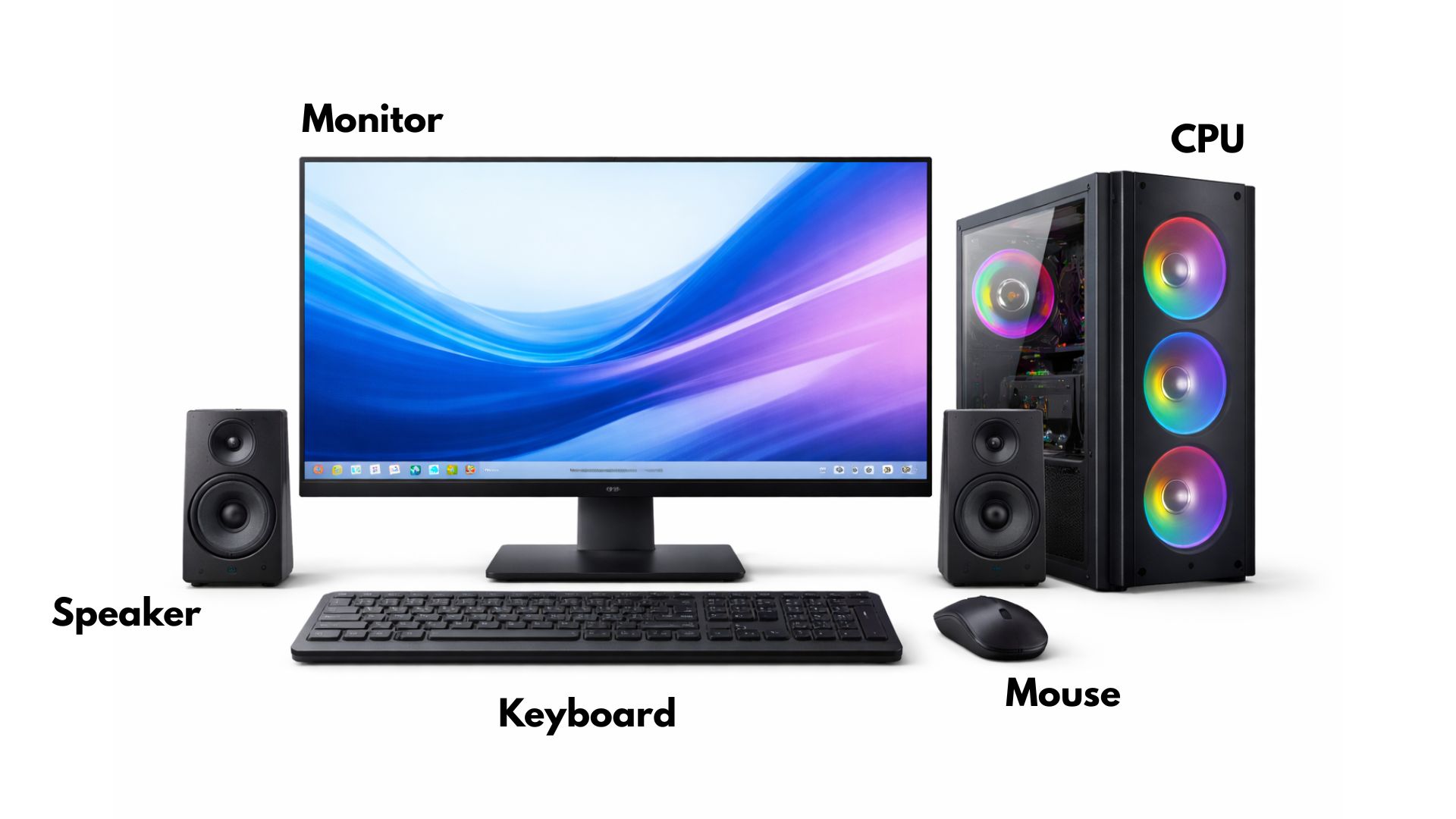
- The hardware will include the monitor, keyboard, mouse, CPU, printer, and speakers.
Key Hardware Components of a Computer
Monitor
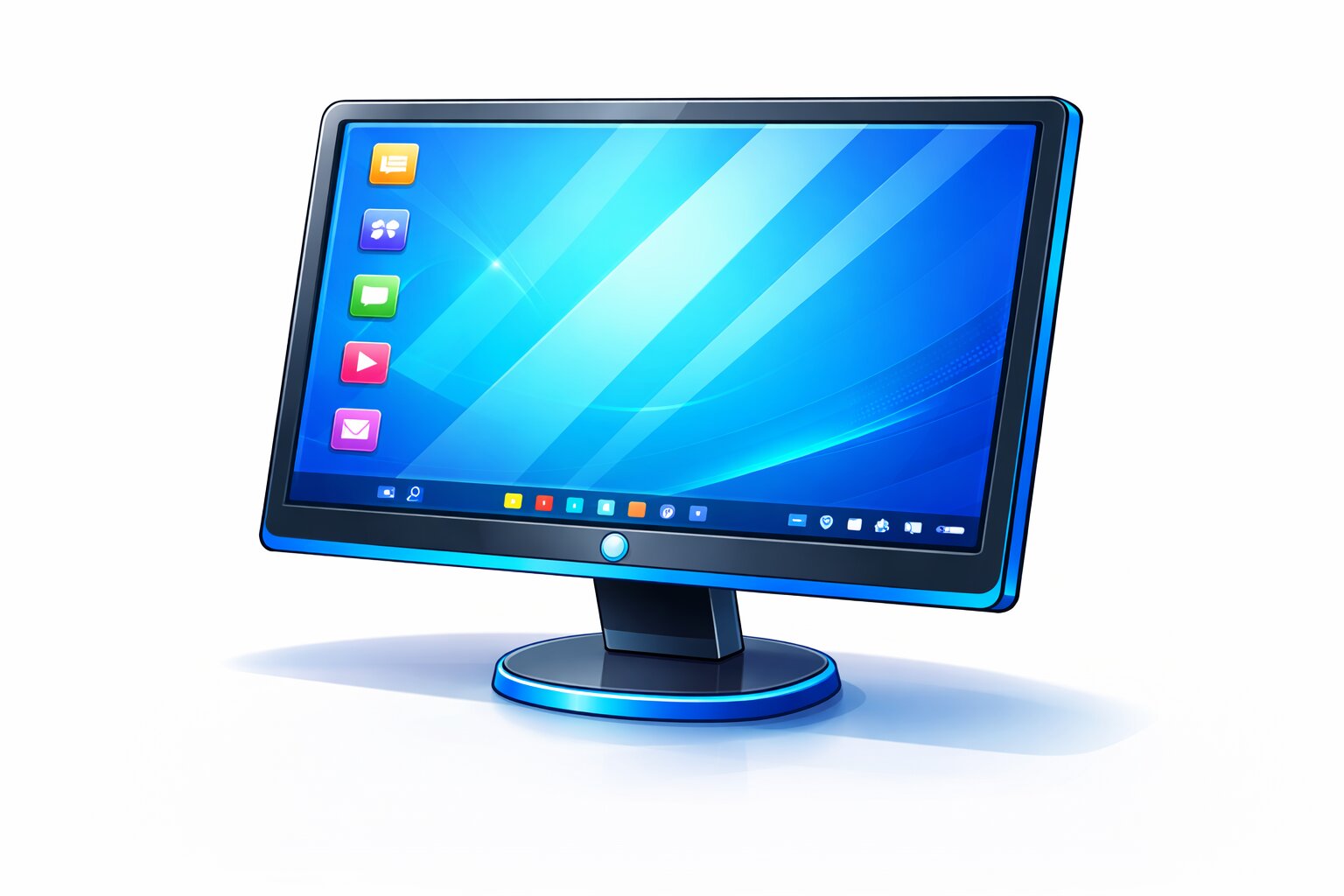
- The monitor displays texts, images, and videos.
- It is a product device, as it displays the end product of our work.
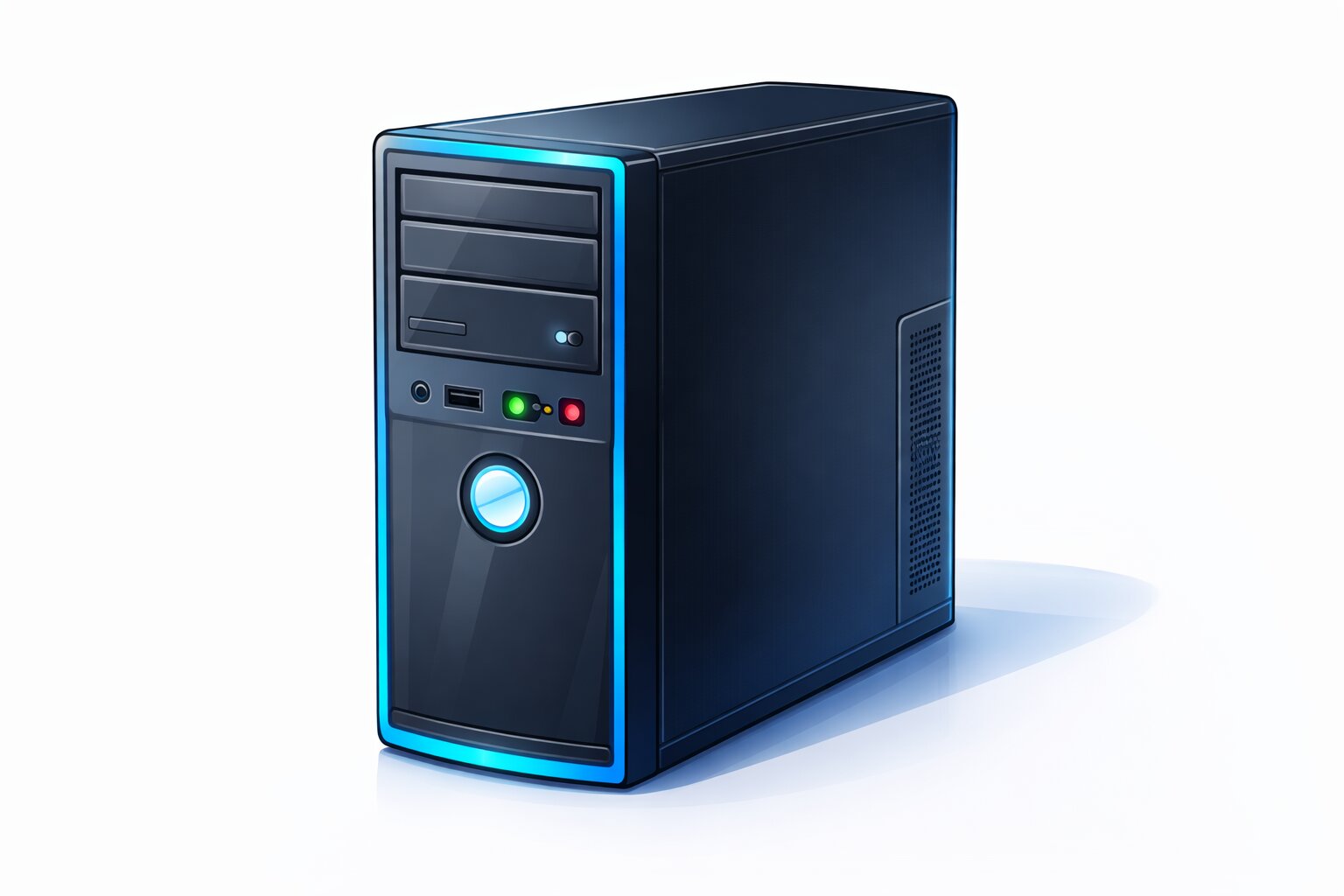
CPU (Central Processing Unit)
- The CPU is referred to as the brain of the computer.
- It regulates the activities of the computer and processes information.
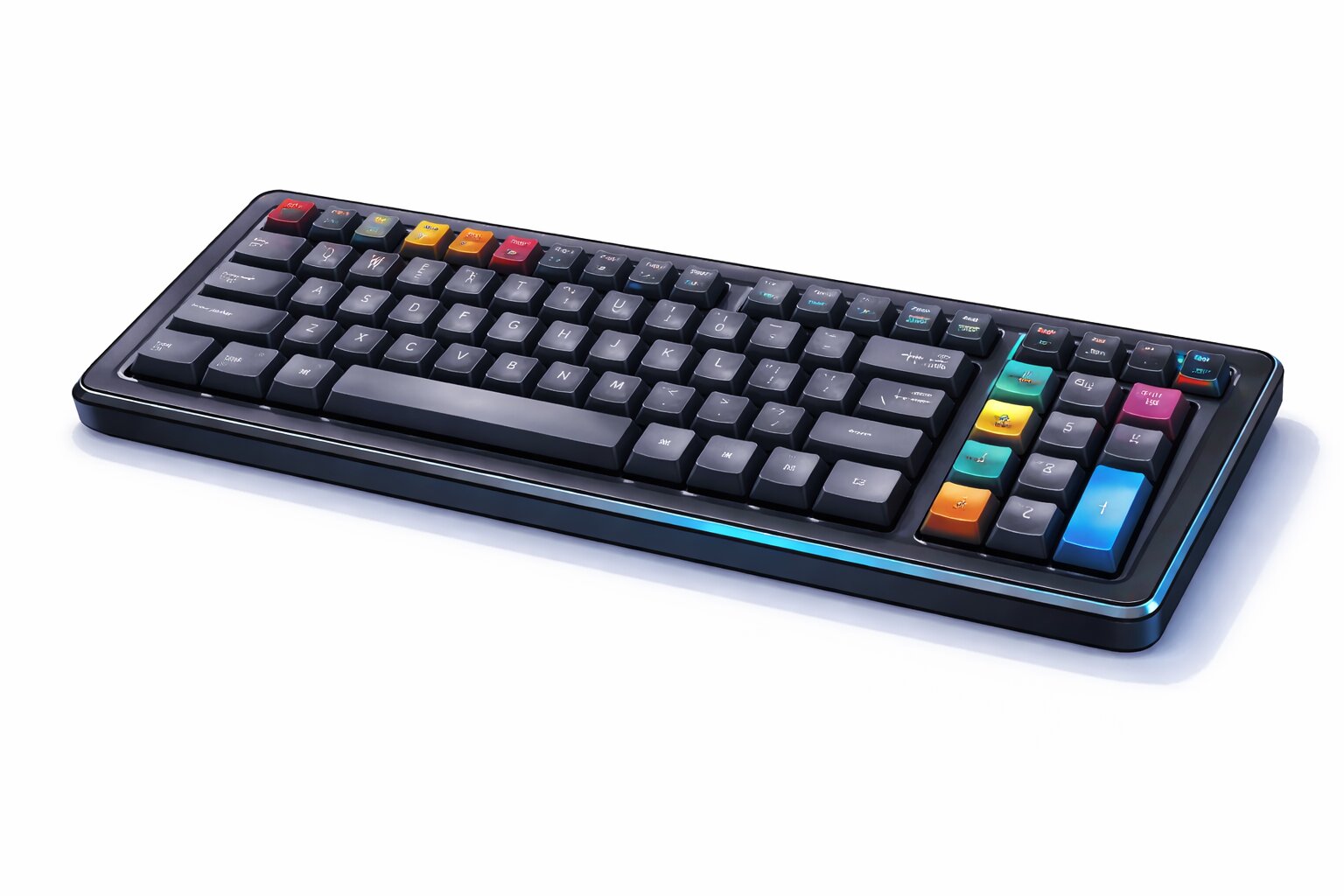
Keyboard
- Letters, numbers, and symbols are typed on the keyboard.
- It is an input device.
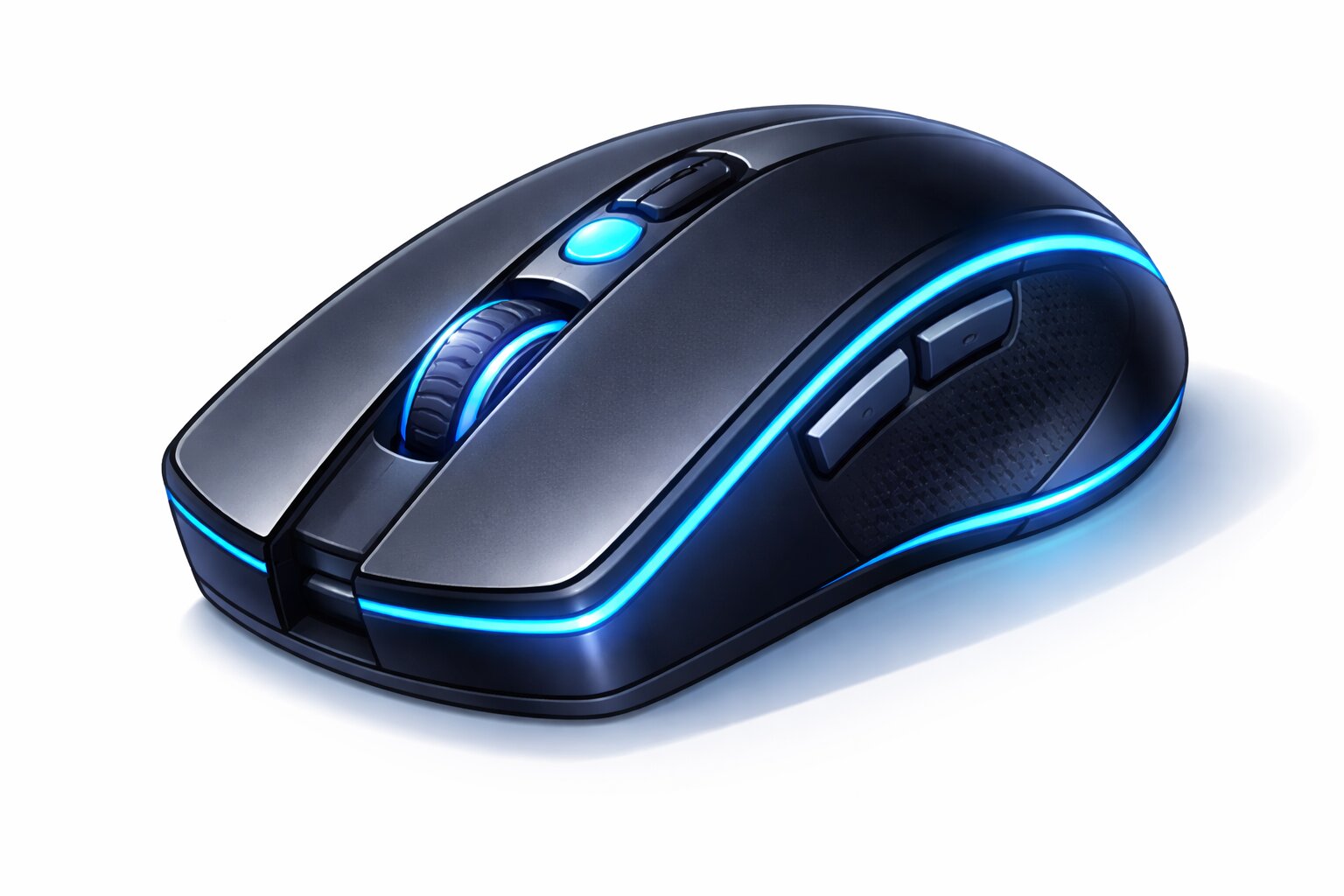
Mouse
- The mouse assists us in pointing, clicking and choosing objects on the screen.
- It is also an input device.
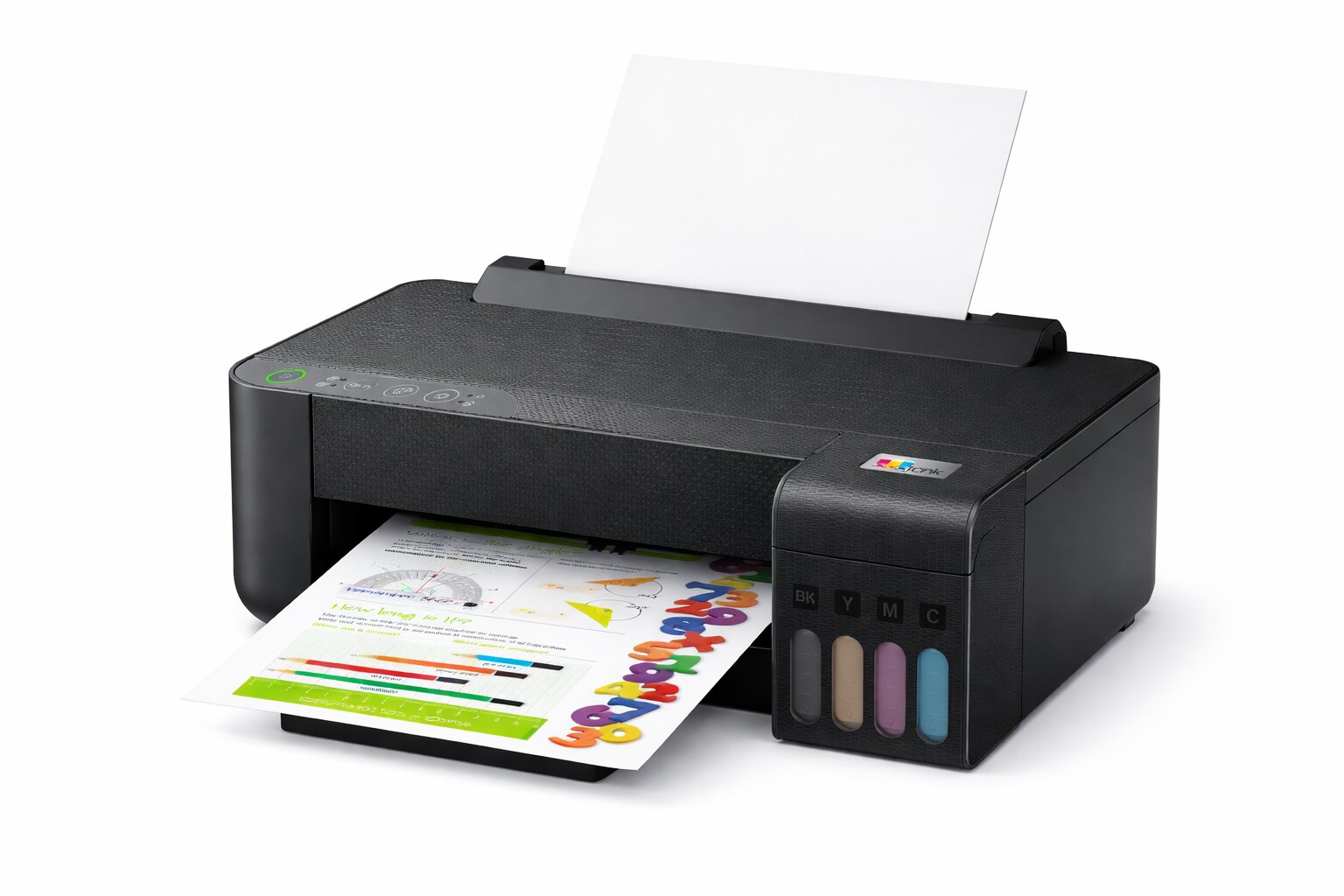
Printer
- A printer is used to print out our work on paper.
- It is an output device.
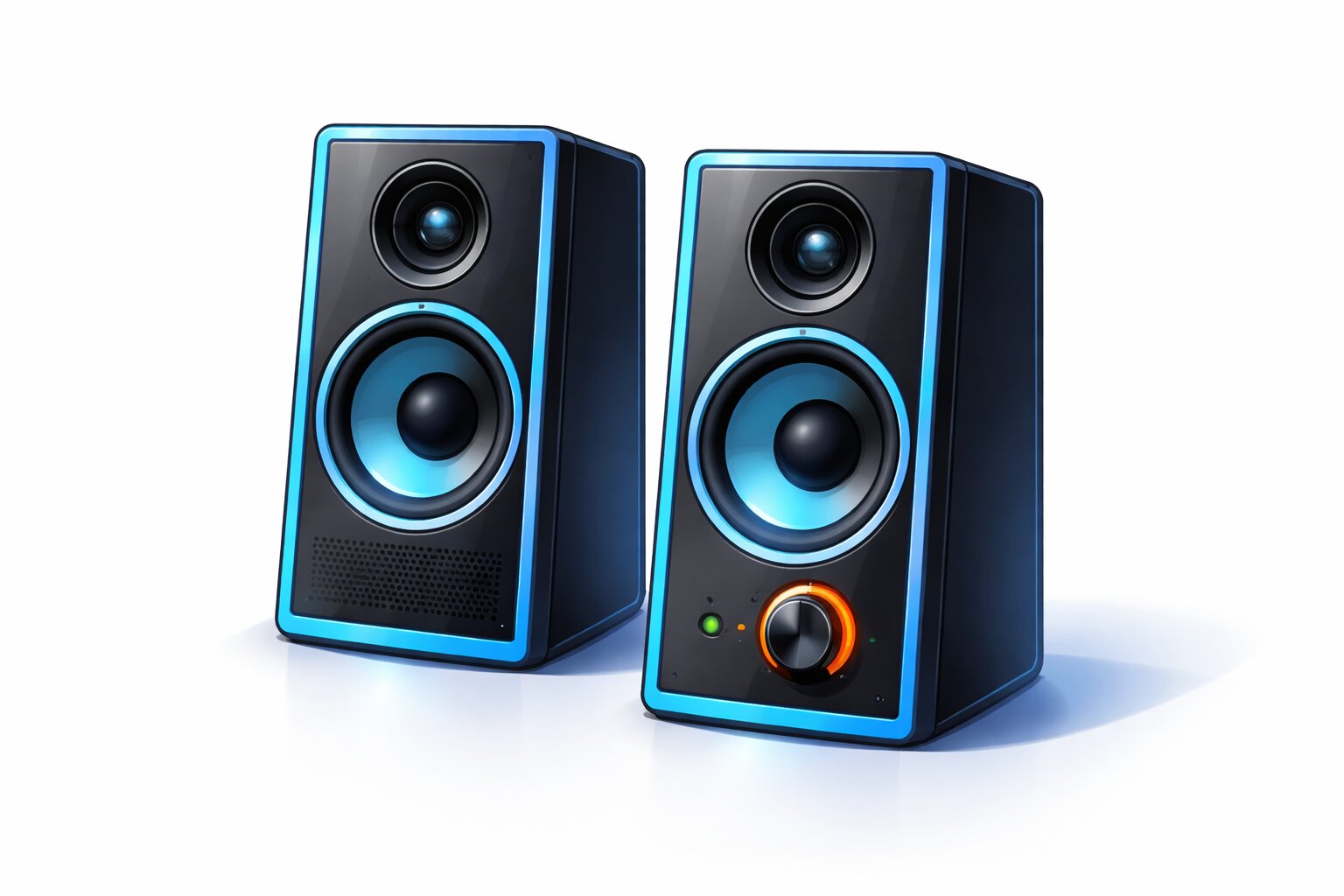
Speakers
- The computer makes sound through speakers.
- They are output devices.
Types of Hardware
Hardware may be categorised into four broad categories:
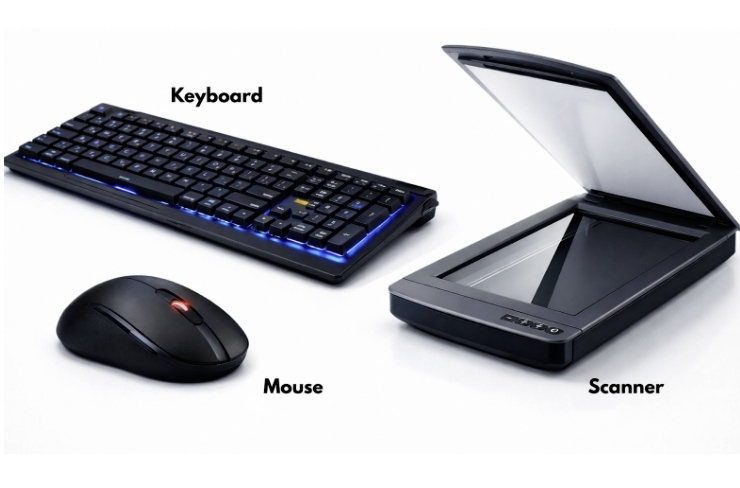
Input Devices
- Scanners that provide information to the computer.
- Examples: keyboard, mouse, scanner.
Processing Device
- A device that processes data.
- Example: CPU
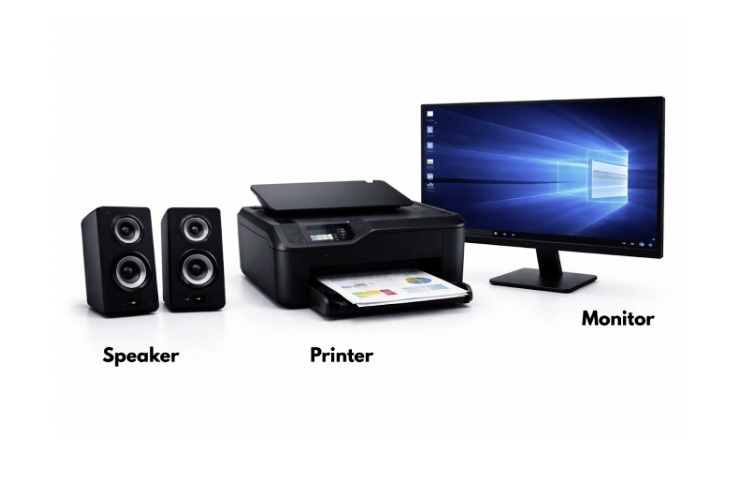
Output Devices
- Devices that show the result.
- Examples: speakers, a printer, and a monitor.
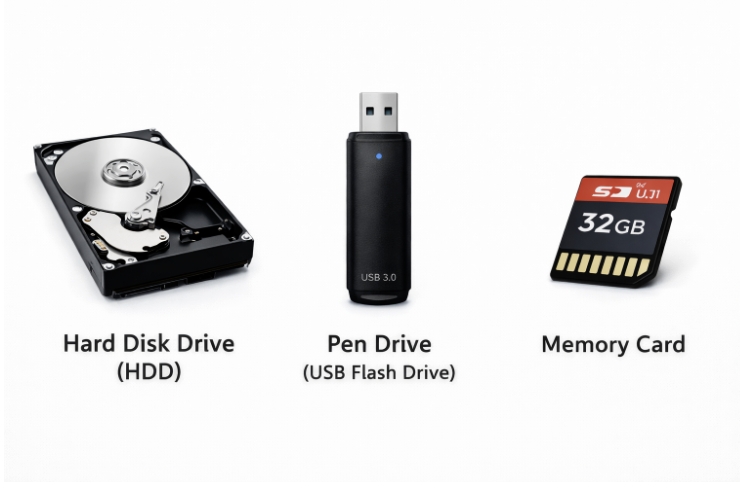
Storage Devices
- Devices used to store data.
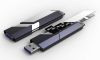
- Examples: hard disc, pen drive, memory card.
Hardware (in-house and out)
Internal Hardware – Components within the CPU cabinet (hard disc, memory).
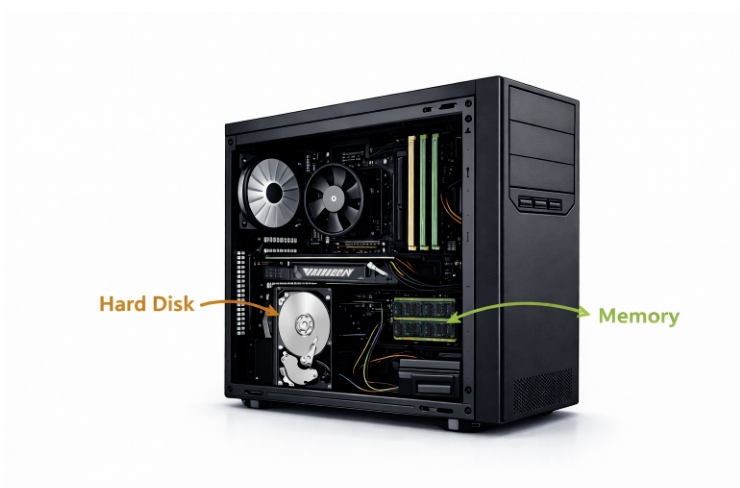
External Hardware – Components that are not within the cabinet containing the CPU (e.g., a monitor, a keyboard, and a mouse).
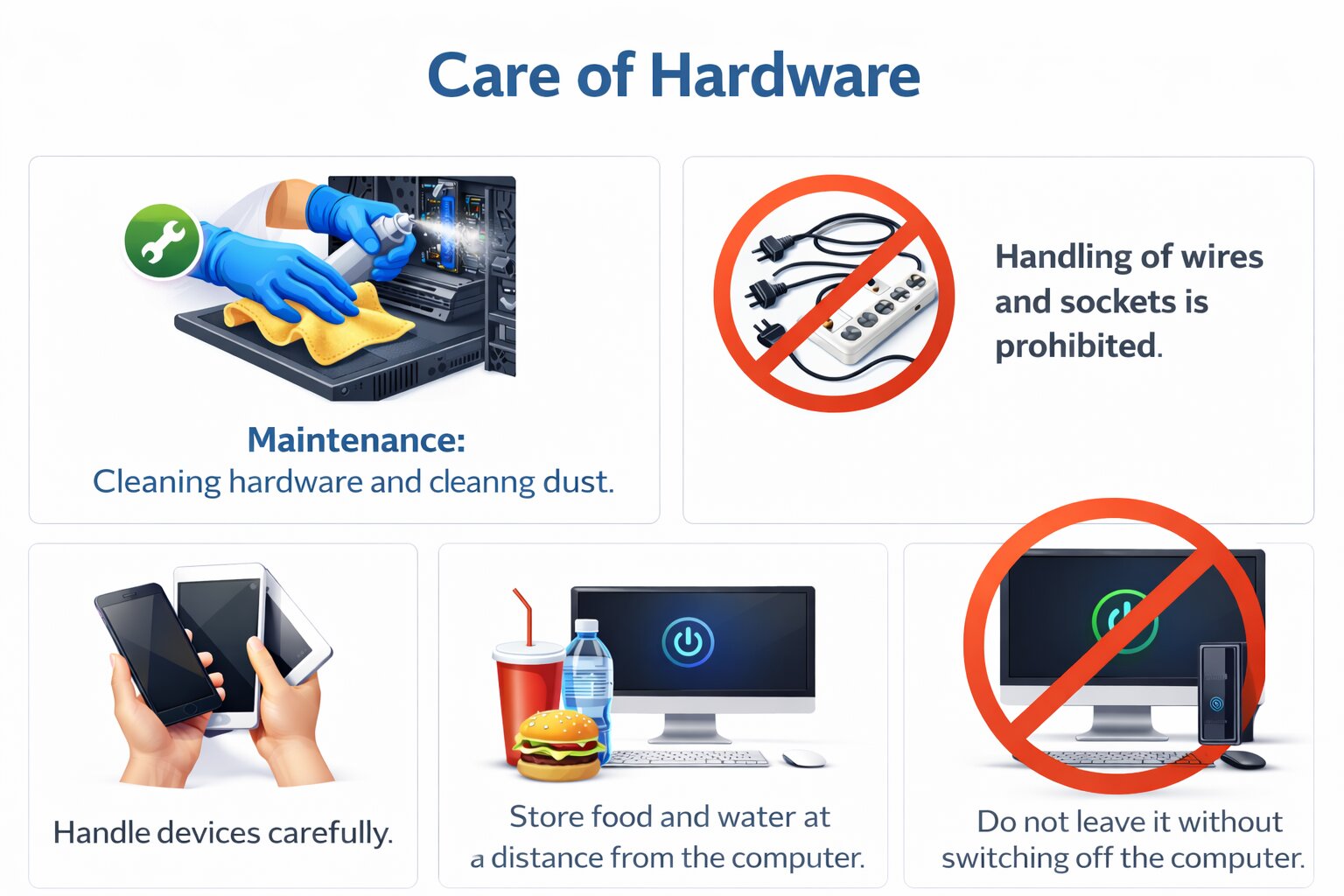
Care of Hardware
QUIZ FOR HARDWARE
1. A student will be able to view the project on the screen but will not be able to listen to the music. What device is not functioning?
A) Printer
B) Monitor
C) Speakers
D) Mouse
Answer: C) Speakers
2. What is the source of information given to the computer?
A) Monitor
B) Printer
C) Keyboard
D) Speakers
Answer: C) Keyboard
3. What is the gadget that assists the computer in processing information?
A) CPU
B) Monitor
C) Printer
D) Mouse
Answer: A) CPU
4. What device would indicate the outcome of your work?
A) Keyboard
B) Mouse
C) Monitor
D) Scanner
Answer: C) Monitor
5. What is the group of output devices only?
A) Monitor, Printer, Speakers
B) Keyboard, Mouse, Scanner
C) CPU, Memory, Hard Disk
D) Keyboard, Monitor, Mouse
Answer: A) Monitor, Printer, Speakers.
6. A project is saved by a student so that it can be later opened. What kind of device assists in the storage of the data?
A) Input device
B) Output device
C) Storage device
D) Processing device
Answer: C) Storage device
7. What hardware component is located in the CPU cabinet?
A) Monitor
B) Hard disk
C) Keyboard
D) Mouse
Answer: B) Hard disk
8. Which of the following is not an input device?
A) Keyboard
B) Mouse
C) Scanner
D) Printer
Answer: D) Printer
9. What is the unsafe use of computer hardware?
A) Cleaning dust regularly
B) Mishandling of the devices.
C) Removing wires from the socket.
D) correctly leaving the computer.
Answer: C) Removing wires from the socket.
10. What gadget makes you point to display pictures and icons on the screen?
A) Keyboard
B) Mouse
C) Printer
D) Speaker
Answer: B) Mouse