Storage and Memory in Computers
Storage and memory are parts of the computer that are important in saving and handling information such as pictures, documents, videos and games. These parts are used to record information and execute tasks on the computer. We can divide it into points that are easy to comprehend.
What is Storage?
Storage is a process of storing information in order to be utilised in the future.
Example:
- You could save a document in MS Word
- Save a picture on your computer
Types of Storage Devices
Storage devices are of two types, namely primary and secondary storage.
1. Primary Storage (Temporary Storage)
The computer uses primary storage to store data required during the working time to be accessed quickly when the computer is accessed.
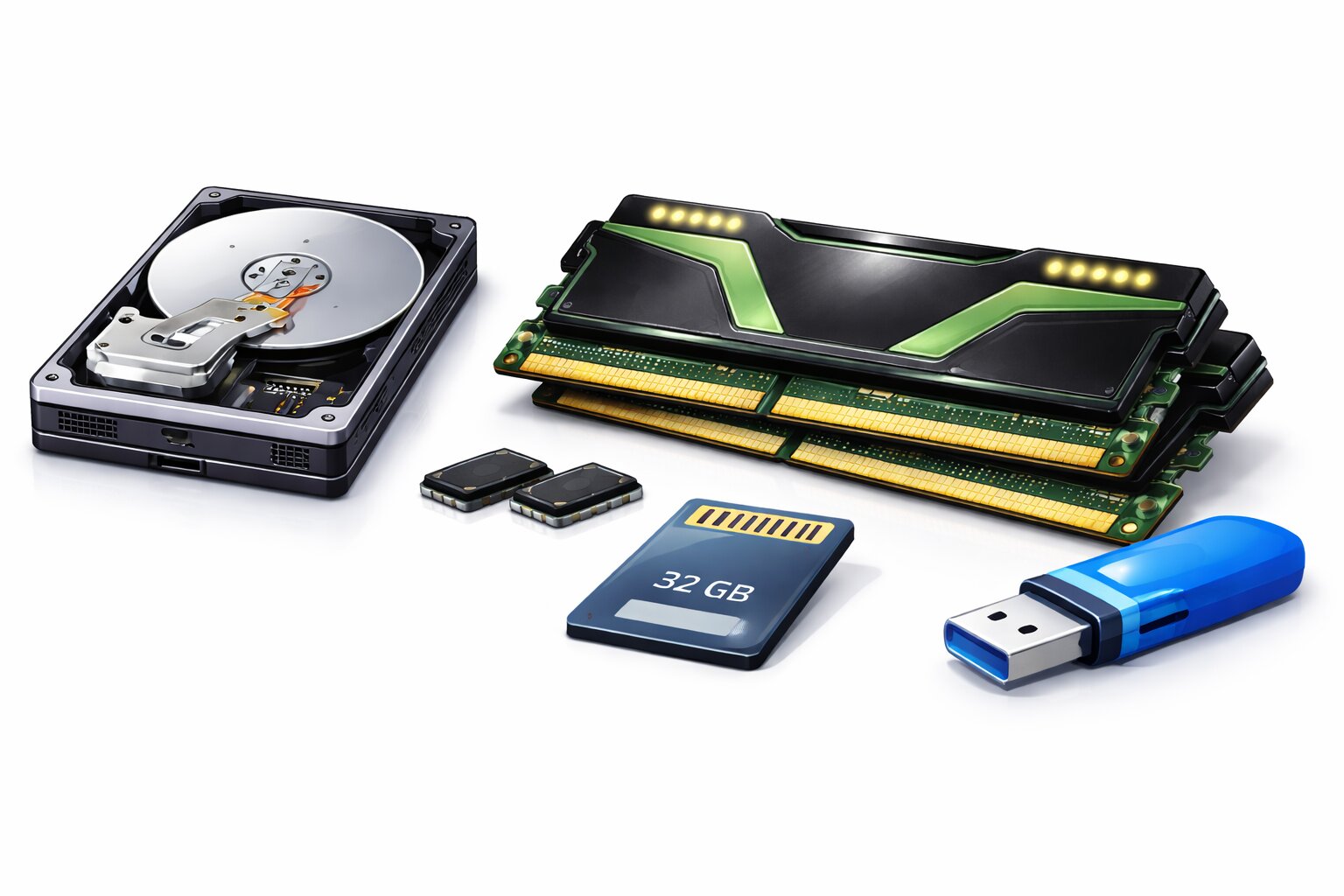
RAM (Random Access Memory):
- Temporary storage.
- Stores the data which is used by the computer at the moment.
- Example: Suppose that you are playing a game on your computer. The data of the game is stored in RAM.
- Note: The information is lost upon switching off.
ROM (Read Only Memory):
- Long-term storage of valuable details.
- Example: It contains the code that assists your computer to boot up.
- Note: When a computer is switched off, important data is not lost.
2. Secondary Storage (Permanent Storage)
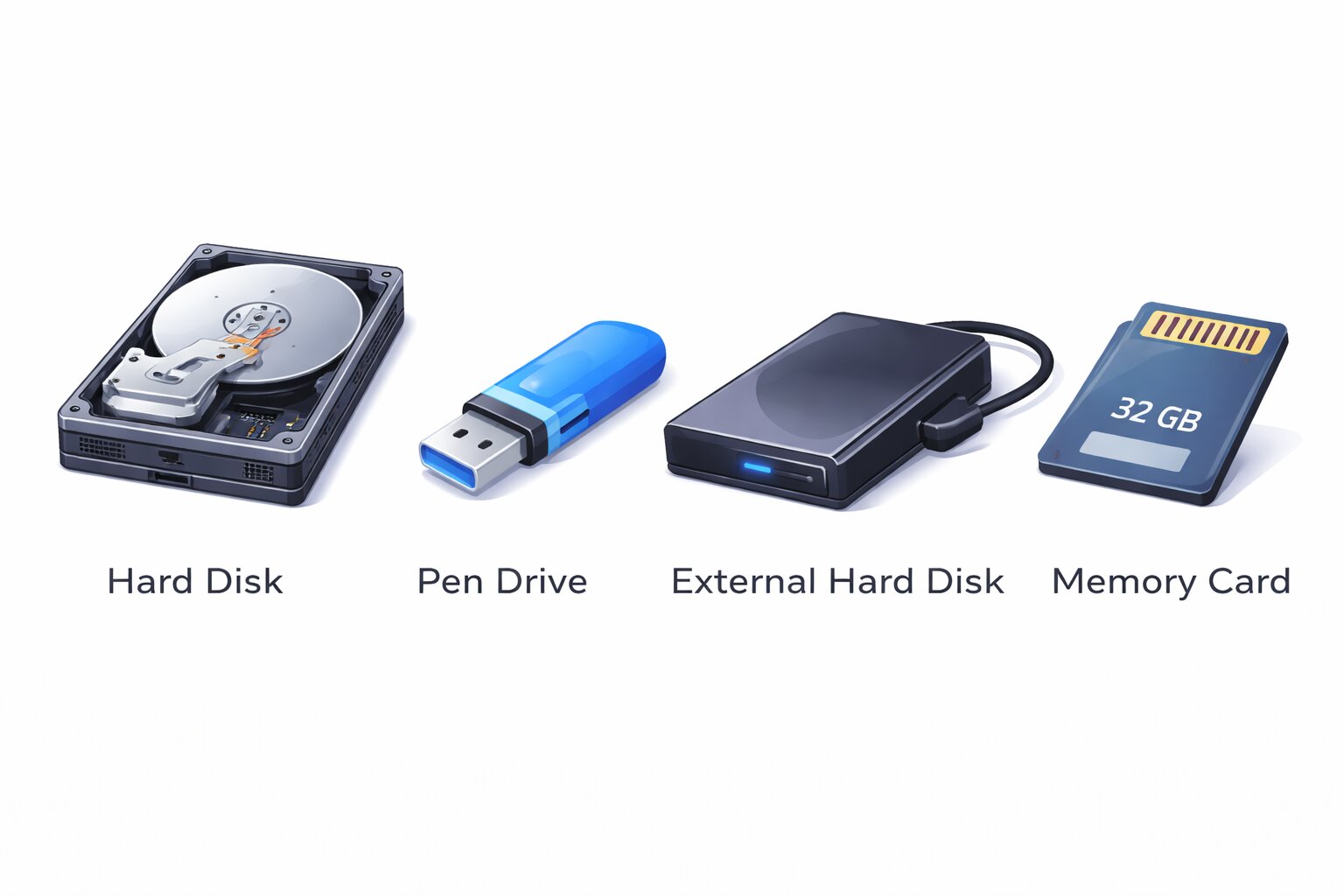
Data is permanently stored in the secondary storage even when the computer is off.
Hard Disc:
- The main storage of a computer.
- Stores the operating system, software and personal files.
- Example: Saving a document or a photograph gets stored on the hard disc.
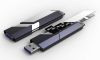
Pen Drive (USB Drive):
- Small and portable.
- Used to transfer files between machines.
- Example: You can save the files on one computer using a pen drive and get them opened on another computer.
External Hard Disc:
- Stored in a large capacity.
- Attached to the computer via a USB.
- Example: You can save your games, music and videos on an external hard disc.
Memory Card:
- Applied in cameras, phones, and tablets.
- Example: A camera has a memory card where you store photos.
Why do we require storage devices?
The value of storage devices lies in the fact that
- They keep our data safe.
- They assist us in file saving and re-using.
- They used to transfer information between devices.
- They have the capability of storing a lot of information.
What is memory?
Computer memory is a storage medium used by the computer to store data and instructions to aid the computer in its operation. Memory is of two major kinds:
- Primary Memory: It is temporary and is accessed fast as the computer is being used.
- Secondary Memory: It is permanent, and also it retains data when the computer is off.
Why is memory important?
- Memory enables the computer to operate faster by storing data that are in use.
- It contains files and programs required in the operation of the computer.
- It enables us to save data to be used in the future when the computer is switched off.
Caring for Storage Devices
To maintain your storage devices in good condition, it is important to remember the following easy tips:
- Never forget to remove your pen drive or memory card in a safe manner which can save you data.
- Wipe your machines dry and clean, without water and dust.
- To avoid the damages caused by dropping your devices, you should avoid dropping them.
- Always save valuable files so that, should there be a failure on your storage device, your important files will be saved.
QUIZ FOR MEMORY AND STORAGE
1. Suppose you are doing a serious school project, and you do not want to lose your work in the future. How do you save your work so that you can read it later?
A) A pen and paper
B) A storage device
C) A folder on the desk
D) A notebook
Answer: B) A storage device
2. What would be the most suitable device to move a file from your school computer to your home computer?
A) External Hard Disk
B) Pen Drive
C) Paper Folder
D) USB Cable
Answer: B) Pen Drive
3. What device keeps your operating system, software, and saved documents in a computer?
A) Pen Drive
B) Memory Card
C) Hard Disk
D) CD-ROM
Answer: C) Hard Disk
4. Which medium would you use for storing pictures on your phone to keep them secure?
A) Hard Disk
B) Memory Card
C) USB Cable
D) Tablet
Answer: B) Memory Card
5. You have to carry a huge amount of data, such as movies or giant files, and be able to attach it to your computer without hassle. Which device would you use?
A) Memory Card
B) Pen Drive
C) External Hard Disk
D) Hard Disk
Answer: C) External Hard Disk
6. What is the component of the computer that temporarily stores such items as math formulas as you work?
A) RAM
B) Hard Disk
C) Pen Drive
D) ROM
Answer: A) RAM
7. What was the memory that keeps all the data safe and secure even when you switch off the computer?
A) RAM
B) ROM
C) Hard Disk
D) Primary Memory
Answer: C) Hard Disk
8. What component of the computer does this to maintain the smooth running of the game without failure when you are playing it?
A) ROM
B) Secondary Memory
C) RAM
D) CPU
Answer: C) RAM
9. You would like to ensure that your report is permanent. What type of memory are you supposed to store in it?
A) RAM
B) ROM
C) Memory Card
D) Primary Memory
Answer: C) Memory Card
10. When you switch off your computer, what becomes of the information that is stored in RAM?
A) It stays safe and secure
B) It is lost
C) It is saved on your USB drive.
D) It stays in the cloud
Answer: B) It is lost.