Programming in Scratch
Programming is not simply about writing code; rather, it is about reasoning logically and tackling problems in a systematic and efficient way. Scratch programming in Class 10 no longer requires simple animations and simple games. Structured design, computational thinking and proper planning are expected to be applied by the students in order to construct well-organised and logically sound projects.
At this stage, Scratch is an effective instrument of comprehending authentic programming concepts which are applied in advanced programming languages.
The Use of Scratch in Learning Programming
Scratch is a block-based programming language which enables learners to write interactive stories, games, simulations and applications. It uses visual blocks rather than typed code, but the basic concepts of programming are still the same.
With Scratch, students learn:
- Logical sequencing
- Conditional decision-making
- Loops and repetition
- Variables and data handling
- Event-driven programming
- Modular design
All modern programming languages are based on these concepts.
Algorithm Design in Scratch
Students have to come up with an algorithm before beginning any project.
An algorithm is a plan to follow to resolve an issue or accomplish a task step by step.
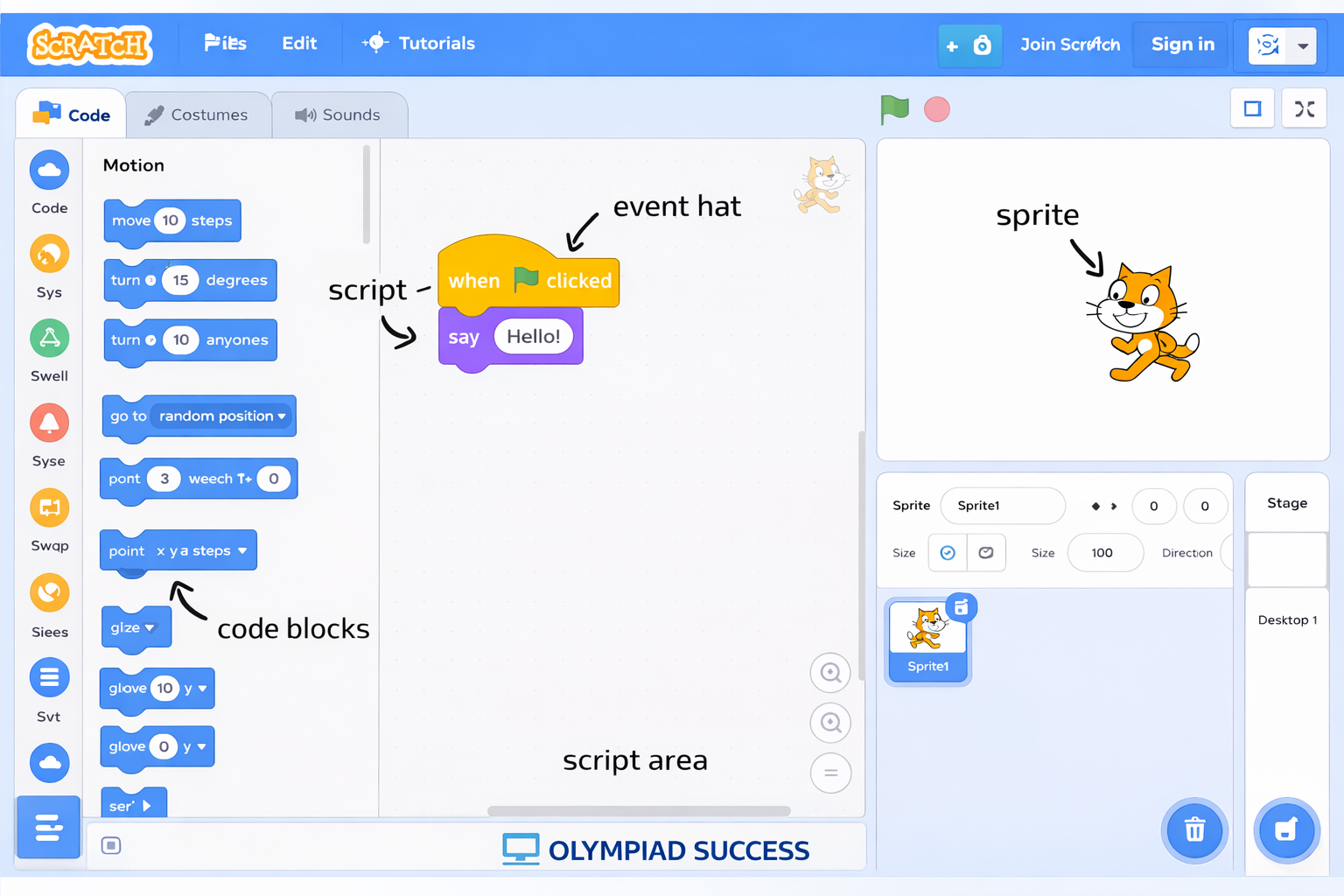
The design of an algorithm assists with the following:
- Organise ideas clearly
- Determine necessary inputs and outputs.
- Reduce errors during coding
- Improve efficiency
As an illustration, in the process of planning a game, students are supposed to consider:
- What is the purpose of the game?
- What is the point scoring method used by the player?
- Under what conditions do you win or lose?
- When does the game end?
Planned coding brings about professionalism and order of thought.
Using Custom Blocks (My Blocks)
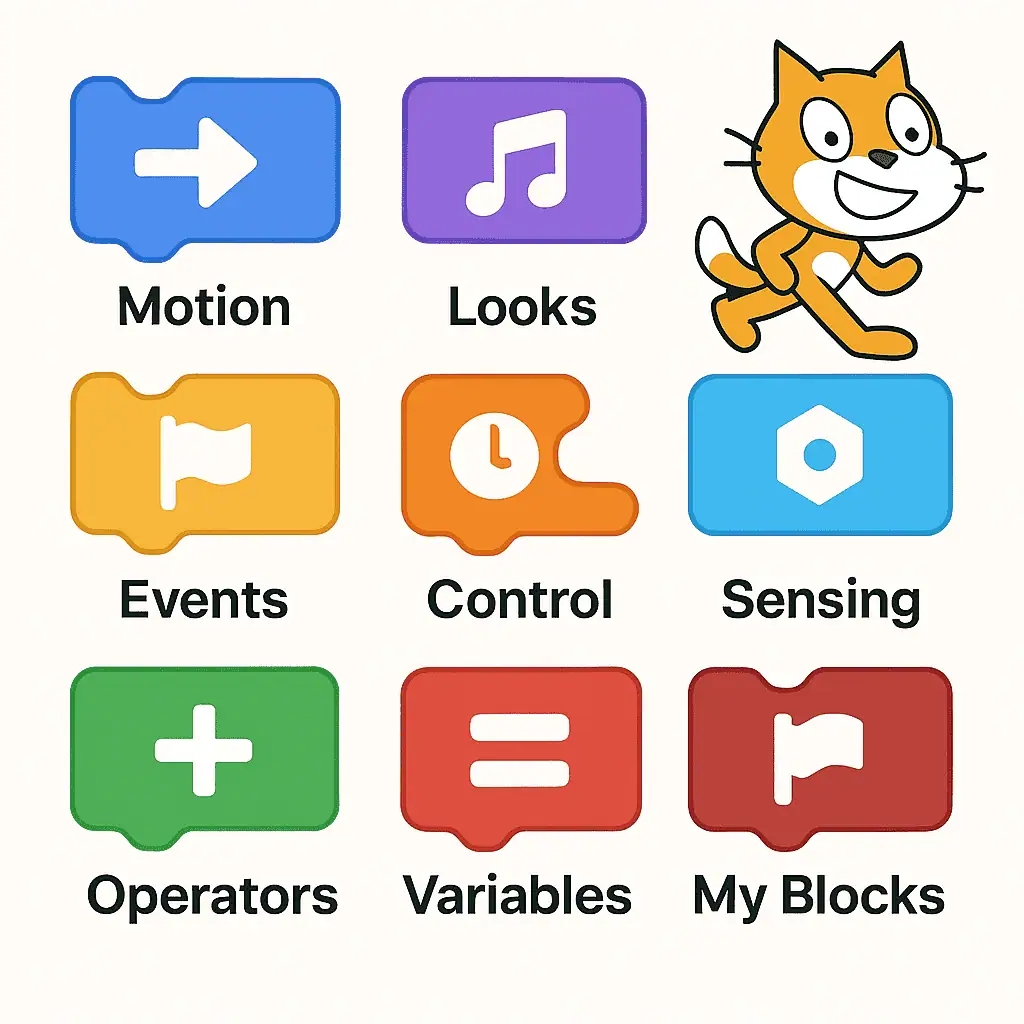
When the projects are bigger, the scripts may be long and redundant. Scratch has a feature known as Custom Blocks (My Blocks).
The Custom Blocks give an opportunity to create your own reusable block.
They are used to:
- Reduce repetition of code
- Simplify complex scripts
- Improve readability
- Enhance programme efficiency
As an illustration, when a sprite repeats doing a certain action, then this action may be made in a custom block and can be used again the next time it is needed.
This idea resembles functions or methods of high-level programming languages.
Modular Programming
'Modular programming' refers to the division of a big project into small manageable divisions known as modules.
Rather than coming up with a single long script, the students can split the tasks, like the following:
- A single character movement module
- A single-score management module
- One module for level control
- A game over condition module
Advantages of modular programming:
- Easier debugging
- Improved organisation
- Better readability
- Simplified maintenance
Modular design of large projects makes them more systematic and effective.
Advanced Broadcasting and Message Handling
Scratch enables sprites to talk with each other through broadcast messages.
Multi-sprite or multilevel projects rely on broadcasting.
It is commonly used for:
- Switching between scenes
- Starting or ending levels
- Triggering animations
- Resetting game conditions
Broadcasting provides proper coordination among the various sections of the programme, thus making the project organised and event-based.
Dealing with Project Complexity
With the increasing size of the project, management of complexity becomes significant.
Students should practise:
- Providing meaningful names to variables.
- Arranging scripts in a proper way.
- Elimination of useless or redundant blocks.
- Making notes on key points.
- Individual testing modules.
Projects that are designed well are easier to comprehend, make changes to and enhance.
Logical Thinking and Computational Skills
Computational thinking Scratch programming enhances skills in computational thinking, including the following:
- Decomposing big problems into small tasks.
- Identifying patterns
- The application of logical conditions.
- Developing effective solutions.
- Testing and refining ideas
Learners are taught to reason systematically and logically to think like programmers.
Testing and Debugging
In Class 10, debugging is a must in programming.
The concept of debugging implies errors in a program through the process of detecting and fixing them.
Students should:
- Test each module separately.
- Monitor the performance of variables.
- Audit logical conditions.
- Remove redundant blocks
- Enhance efficiency and speed.
Regular testing has the benefit of making the completed project run normally and free of errors.
Preparation for Advanced Programming
Scratch proposes numerous concepts that can easily find applications in text-based programming languages, like:
- Python
- Java
- C++
Key concepts, like:
- Functions
- Conditional statements
- Loops
- Variables
- Modular programming
- Event handling
are typical of any programming language.
Students who learn Scratch in Class 10 get a solid base on which to base further knowledge of programming. Scratch programming has been based on structured design, efficiency, and professional project development. It makes students think critically, plan, and take actions on how to implement the solutions. Scratch is not just a tool of beginners or a middle step to practical programming and solving computational problems.
QUIZ FOR PROGRAMMING IN SCRATCH
1. An algorithm can be defined as:
A) Graphical sprite of animation.
B) A process map to follow in progressively solving a problem or accomplishing a task.
C) A block to repeat the commands.
D) A tool used to debug scripts
Answer: B) A process map to follow in progressively solving a problem or accomplishing a task.
2. What is the Scratch feature that enables programmers to form reusable blocks to make complex scripts easier?
A) Variables
B) Broadcasting
C) My Blocks (Custom Blocks)
D) Costumes
Answer: C) My Blocks (Custom Blocks)
3. This method is known as when a big Scratch project is broken down into small, independent sections like a movement module, a score module and game-over module.
A) Sequential programming
B) Modular programming
C) Parallel execution
D) Iterative development
Answer: B) Modular programming
4. Which aspect of Scratch enables sprites to interact and organise activities in various sections of a project?
A) Cloning
B) Variables
C) Broadcast messages
D) Costumes
Answer: C) Broadcast messages
5. A programmer will realise that there are repetitions of scripts that have the same sequence of blocks. Which is the most effective solution?
A) Replace them with a loop
B) Reuse the code by using custom blocks.
C) Create new sprites
D) Delete duplicate scripts
Answer: B) Reuse the code by using custom blocks.
6. What is the computational thinking skill that entails the ability to divide a big problem into smaller manageable problems?
A) Pattern recognition
B) Abstraction
C) Decomposition
D) Iteration
Answer: C) Decomposition
7. When a student is developing a project, he/she will run each module individually to diagnose and correct the mistakes. This process is called:
A) Simulation
B) Debugging
C) Broadcasting
D) Rendering
Answer: B) Debugging
8. Which programming concept enables a programming language in Scratch to make decisions?
A) Conditional statements
B) Variables
C) Events
D) Loops
Answer: A) Conditional statements
9. What programming concept did you learn in Scratch that can be directly compared to functions in other programming languages such as Python or Java?
A) Sprites
B) Broadcast blocks
C) Custom blocks (My Blocks)
D) Motion blocks
Answer: C) Custom blocks (My Blocks)
10. A Scratch game will change to Level 2 after the user achieves some score. What is the best mechanism to use in order to initiate this change?
A) Send message to begin the next level.
B) Dressing the sprite in another outfit.
C) Creating a new variable
D) Resetting the timer
Answer: A) Send message to begin the next level.