Using Windows 11
By Class 10, you would not only know how to operate Windows 11 but also how to support and maintain the system. Here we are discussing the system tools, the settings of the system and administrative characteristics.
What is Windows 11?
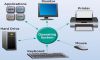
- Windows 11 is the new version of the Windows operating system, which has been developed by Microsoft.
- It is the software which makes computers work, and you can use programs, games and other functions.
- Windows 11 is the new release of Windows 10, and it comes with new features and a new appearance.
We use Windows 11 because:
- It assists us in operating programmes and applications on our computers.
- It facilitates easier handling of files and retrieval of valuable documents.
- Windows 11 is more user-friendly, and it has a simple and fast interface.
- It links us to the internet, where we can browse, communicate and learn.
1. Disk Management
Hard drives and storage partitions are managed using disc management.
It allows you to:
- Create new partitions
- Format drives
- Extend or shrink volumes
- Assign drive letters
- This helps in creating storage.
2. Advanced System Settings
More advanced settings in the system enable you to manage more system features, including:
- Performance options
- System protection
- Environment variables
- Virtual memory
Such environments enhance the capability and stability of the systems.
3. Command Prompt
Command Prompt is a text-based utility allowing one to interact with the system through commands.
Common uses include:
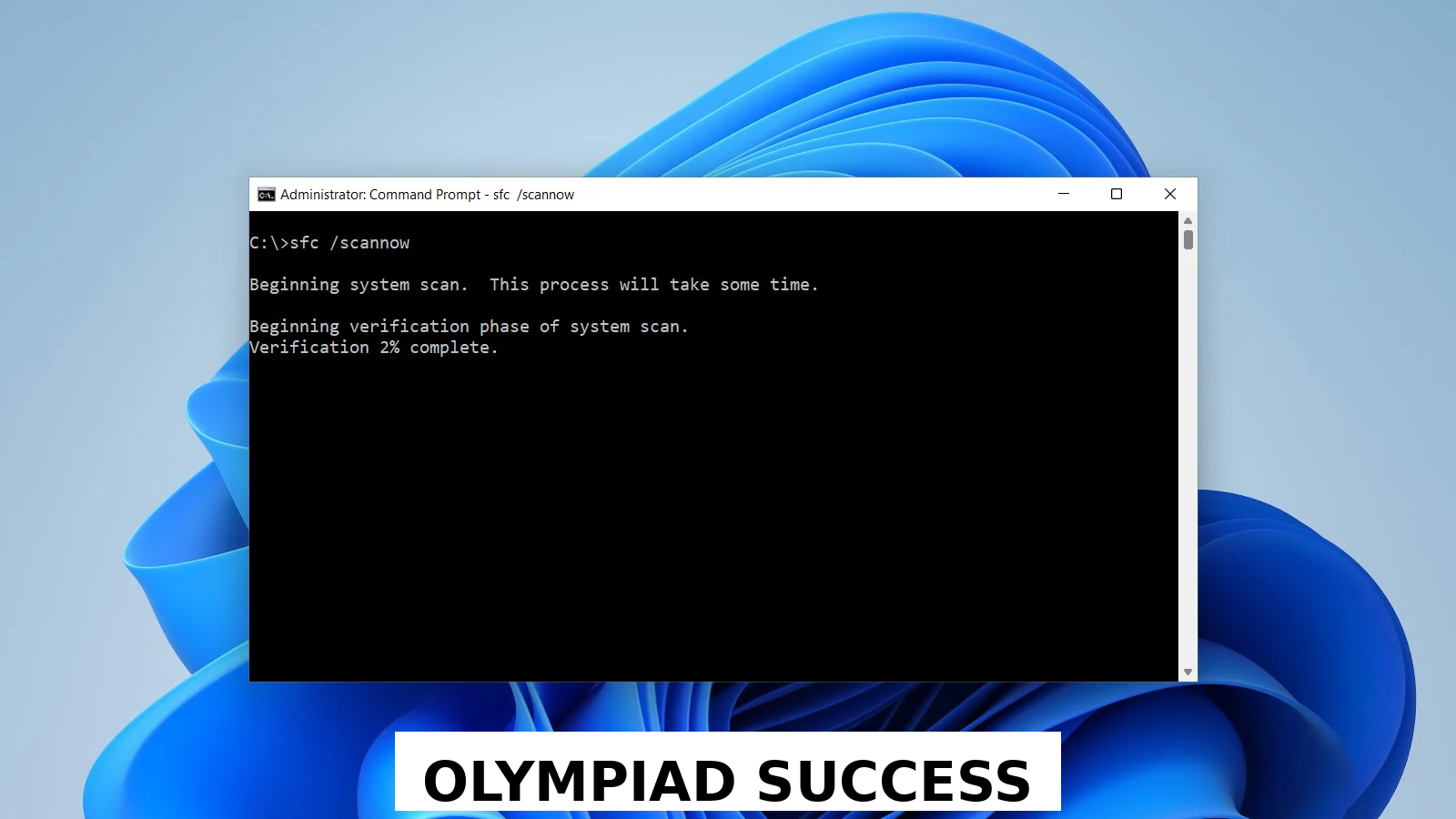
- Checking network status
- Viewing system information
- Executing troubleshooting procedures.
It aids users in doing their work fast without the graphical interface.
4. PowerShell
PowerShell is a sophisticated command-line executioner when compared to the Command Prompt.
It is used for:
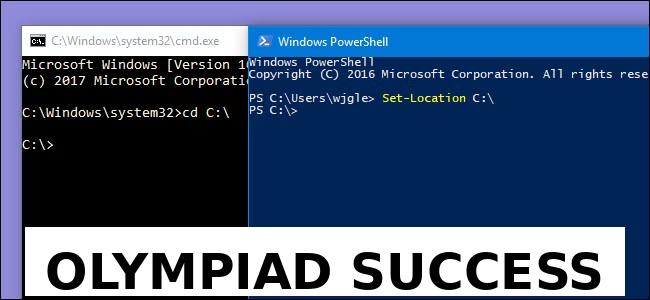
- Automating tasks
- Managing system settings
- Monitoring network configurations.
System administrators have heavy use of it.
5. System Troubleshooting Tools
Windows 11 has built-in troubleshooting.
You can:
- Diagnose network problems
- Fix audio or display issues
- Revert to old versions of the system.
These tools aid in the resolution of usual technical issues.
6. Advanced Network Settings
Windows 11 can be configured to use advanced network settings, including:
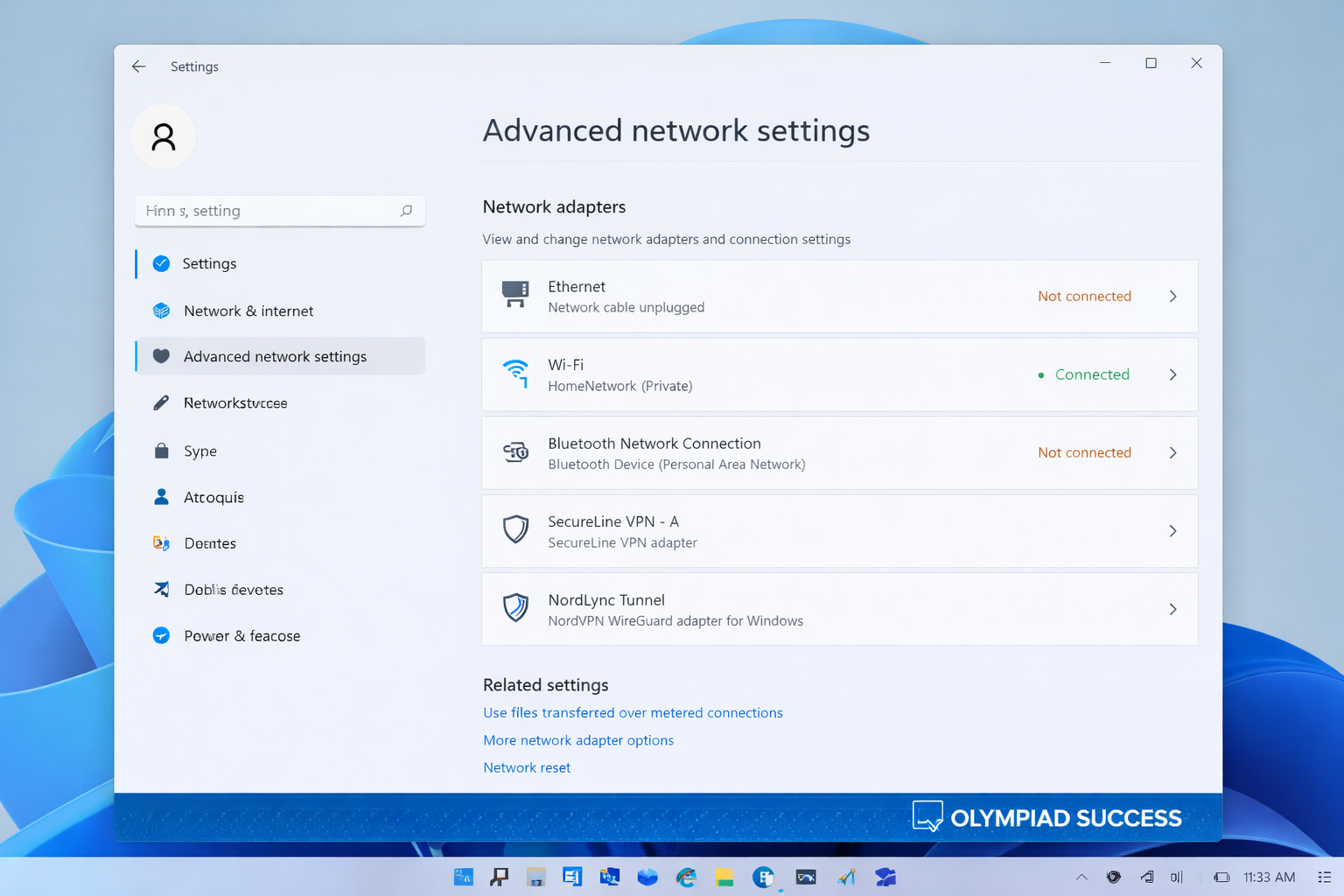
- IP settings
- DNS configuration
- Network adapters
- Firewall rules
These settings are significant as far as safe and reliable connectivity is concerned.
7. Windows Recovery Options
Recovery instruments are useful in case the system fails to perform.
You can:
- Reset the PC
- Use System Restore
- Access Safe Mode
- Repair startup issues
These alternatives are used to recover big system issues.
Windows 11 is created to make the user experience better, particularly for students. Its superior qualities assist you in handling files, streamlining system functioning, and being safe when working on projects, assignments, and cooperative projects. Being able to navigate Windows 11 will make you feel more productive and ready to do your future academic assignments and job. No matter what you are doing with network settings, troubleshooting, or data management, Windows 11 provides you with all the tools you require to remain productive and secure
QUIZ FOR WINDOWS 11
1. Windows 11 is mainly a representation of:
A) Application software
B) Programming language
C) Operating system
D) Utility software
Answer: C) Operating system
2. What is the primary Windows 11 tool used to create, delete or resize disc partitions?
A) Task Manager
B) Disk Management
C) Device Manager
D) System Monitor
Answer: B) Disk Management
3. A user wishes to expand an existing disc partition with the help of the free space of another. What disc management feature is required?
A) Format Volume
B) Extend Volume
C) Assign Drive Letter
D) Shrink Volume
Answer: B) Extend Volume
4. What Windows tool enables users to communicate with the operating system in the form of text-based commands?
A) Command Prompt
B) Task Manager
C) Control Panel
D) Device Manager
Answer: A) Command Prompt
5. Which of the following is a more powerful command-line tool than Command Prompt and is commonly used by system administrators?
A) Windows Terminal
B) System Configuration
C) PowerShell
D) Disk Cleanup
Answer: C) PowerShell
6. One of the users would like to automatically execute scripts to maintain system tasks and network settings. What tool would be the most appropriate?
A) Task Scheduler
B) PowerShell
C) Control Panel
D) Device Manager
Answer: B) PowerShell
7. What is the Windows 11 option that enables one to restore the system to an earlier working state without touching personal files?
A) Disk Cleanup
B) Network Reset
C) Task Manager
D) System Restore
Answer: D) System Restore
8. A computer is not booting up, and a user needs to boot into Windows with minimum drivers to troubleshoot. Which option should be used?
A) System Restore
B) Safe Mode
C) Windows Update
D) Disk Defragmenter
Answer: B) Safe Mode
9. What is the more advanced network setup that enables a machine to translate domain names, such as google.com, into IP addresses?
A) DHCP
B) VPN
C) Firewall
D) DNS
Answer: D) DNS
10. Which is the security feature that governs the incoming and outgoing network?
A) Disk Management
B) Task Manager
C) Firewall
D) Registry Editor
Answer: C) Firewall