Learning to Use a Mouse
- A mouse is a device that lets us move the arrow on the computer screen.
- We are clicking on pictures, games and buttons.
- It simplifies the process of working with the computer and is entertaining.
The Mouse
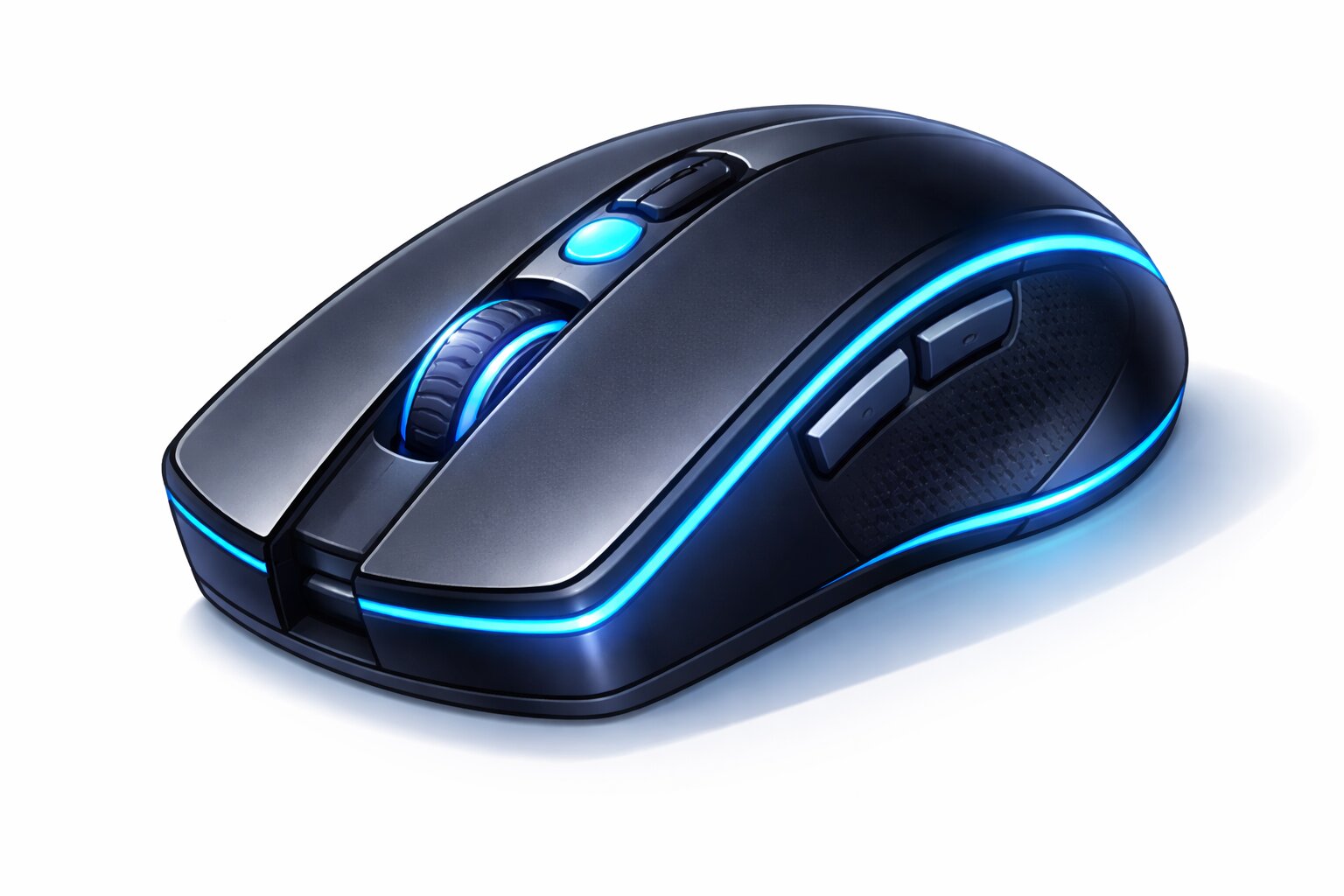
A mouse is a small handheld device used to move the arrow on the computer screen.
Mouse Buttons
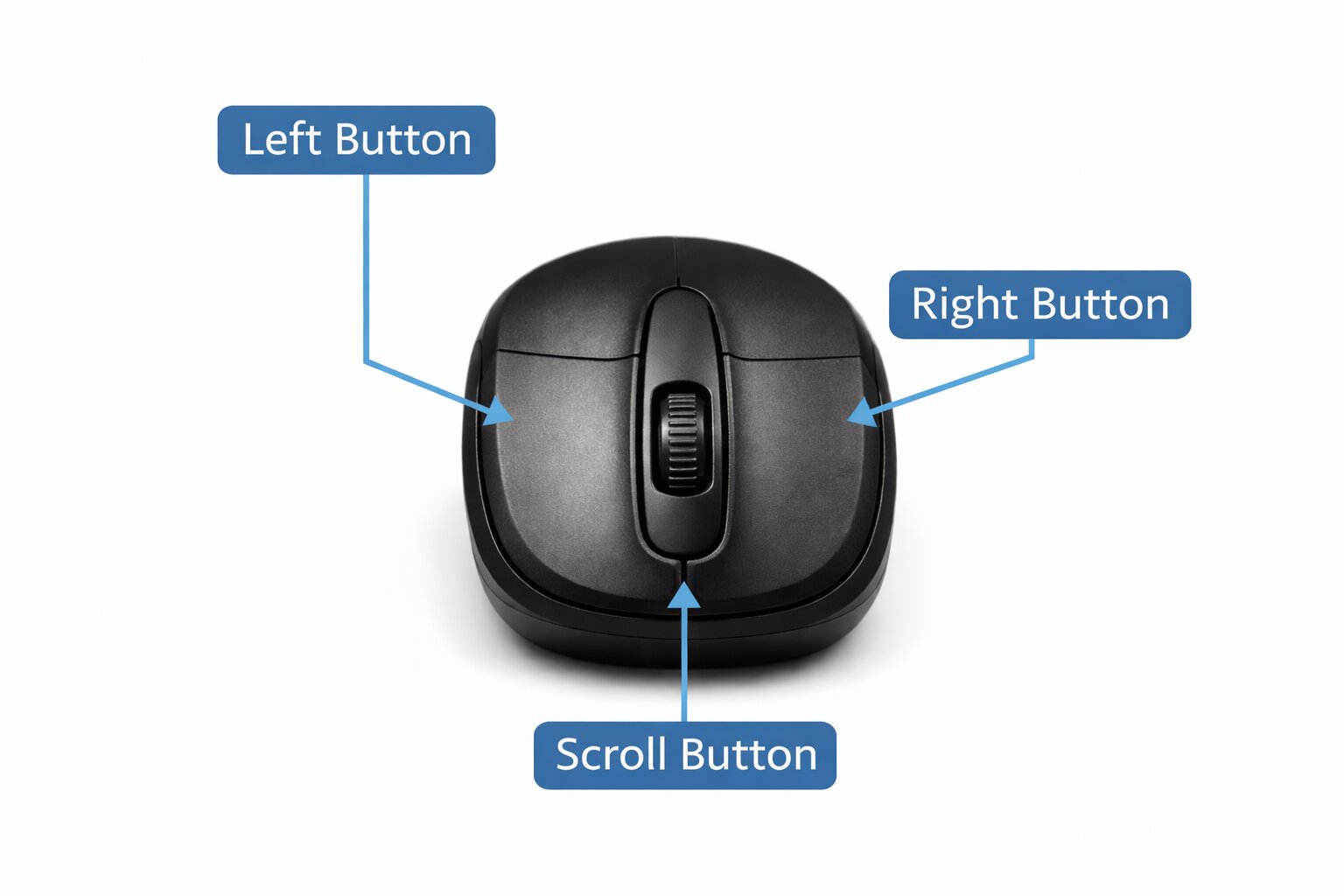
- Left button – The left button is for clicking and selecting.
- Right button - The right button displays options.
- Scroll button - The scroll wheel moves the pages up and down.
Uses of the Mouse
Step 1: Hold Correctly
Step 2: Move Smoothly
Step 3: Point Accurately
Step 4: Click the left mouse button once and then release it.
Step 5: Double-click the left button twice very quickly. This will open files, folders, and programs.
Step 6: Drag and Drop - Press the left button, move the mouse, and let it go.
Step 7: Opening a Program - Click on the icon and double-click.
Step 8: Selecting Text - Press the left button and move the mouse over words.
Step 9: Using the Scroll Wheel
- Roll forward to go up.
- Roll backwards to go down.
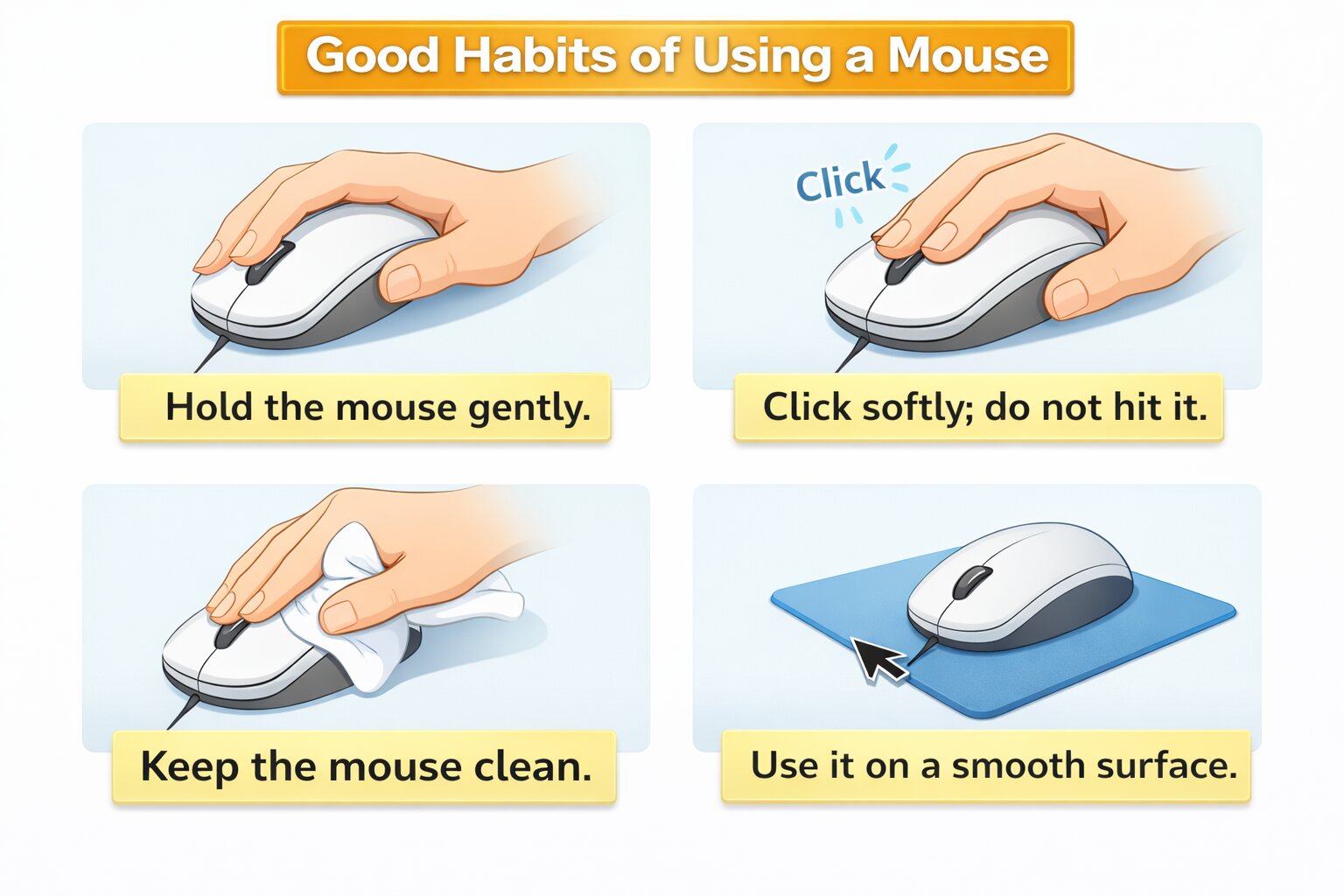
Good Habits Of Using A Mouse
Quiz For Learn To Use A Mouse
1. How does the mouse assist you in using the computer?
A) Move the cursor around
B) Watch videos
C) Type words
D) Listen to music
Answer: A) Move the cursor around
2. What can you do when you press the left button of the mouse?
A) Open files and programs
B) Adjust the volume
C) Change the background
D) Print pictures
Answer: A) Open files and programs.
3. What is the purpose of the right button?
A) Move the arrow
B) Open the Start menu.
C) Display additional options
D) Make sound
Answer: C) Display additional options
4. What do you get on clicking the left button of the mouse twice?
A) It opens files, programs and folders.
B) It moves the mouse.
C) It causes the computer to switch off.
D) It changes the wallpaper.
Answer: A) It opens files, programs and folders.
5. What is the way of drag and drop using the mouse?
A) Hold the right button and press it.
B) Press the left button, move the mouse and release it.
C) Hold the scroll wheel
D) All you have to do is press the left button twice.
Answer: B) Press the left button, move the mouse and release it.
6. In your scroll wheel, what side do you roll to go up?
A) Roll it forward
B) Roll it backwards
C) Roll it in circles
D) Don't roll it at all.
Answer: A) Roll it forward
7. So what would you do to select some text on the computer?
A) Move the mouse only
B) Press the right button.
C) Click the left button and hover the mouse cursor on the words.
D) Roll the scroll wheel
Answer: C) Click the left button and hover the mouse cursor on the words.
8. What do you do when you want to open a program?
A) Click on the program and double-click on it.
B) Roll the scroll wheel
C) Click the right button and choose open.
D) Type the name of the program
Answer: A) Click on the program and double-click on it.
9. What do you do to move the mouse gently?
A) Hold it with both hands.
B) Gently hold it with one hand and move it.
C) Hold it with your feet.
D) Hold it in the air.
Answer: B) Gently hold it with one hand and move it.
10. Which section of the mouse do you use to move one page up or down?
A) Left button
B) Right button
C) Scroll wheel
D) Mouse pad
Answer: C) Scroll wheel